Check your app on your own machine, free
An actor runs your checklist in Chrome and tells you what fails, with screenshots. Free, no account, from the coding agent you already use.
Get started
Pick your agent. Studio works in any agent that speaks MCP, or on its own in your browser.
Add the marketplace
claude plugin marketplace add stunt-double/stuntdouble-mcpInstall the plugin
claude plugin install stuntdouble@stuntdoubleIn a new Claude Code session, set up your project
/stuntdouble:setup
Then run /stuntdouble:run <checklist>. The plugin adds the commands below.
Needs Node 22.18 or later and Google Chrome. Open source under Apache-2.0: stuntdouble on npm(opens in a new tab) and the Claude Code plugin(opens in a new tab).
From a checklist to a verdict
Three steps, in Chrome on your machine. This is the run the film shows.
- 01
Set up an actor and a checklist
Say who your user is and what has to be true.
/stuntdouble setupwrites your first actor and checklists, and Studio checks every field as you edit them. - 02
The actor runs it in your Chrome
An actor opens your app in Chrome on your machine and works through each check, step by step, on localhost, staging or production.
- 03
Every verdict comes with its evidence
A pass must cite something on the page, with a screenshot. The run is kept as files in
.stuntdouble/.
From the film · Book a table on the Parlour demo · 50%The verdict: the deposit is hidden until after the phone number.
What you get
Proof, not guesses
Each check runs in a real Chrome, on localhost, staging or production. A pass must cite something on the page, with a screenshot.
Runs live in your repo
Every run is plain files in .stuntdouble/. Commit them, diff them between branches, share them.
Free on your own model
No account and no Stunt Double bill. Your agent is the actor, on the plan or key it already uses.
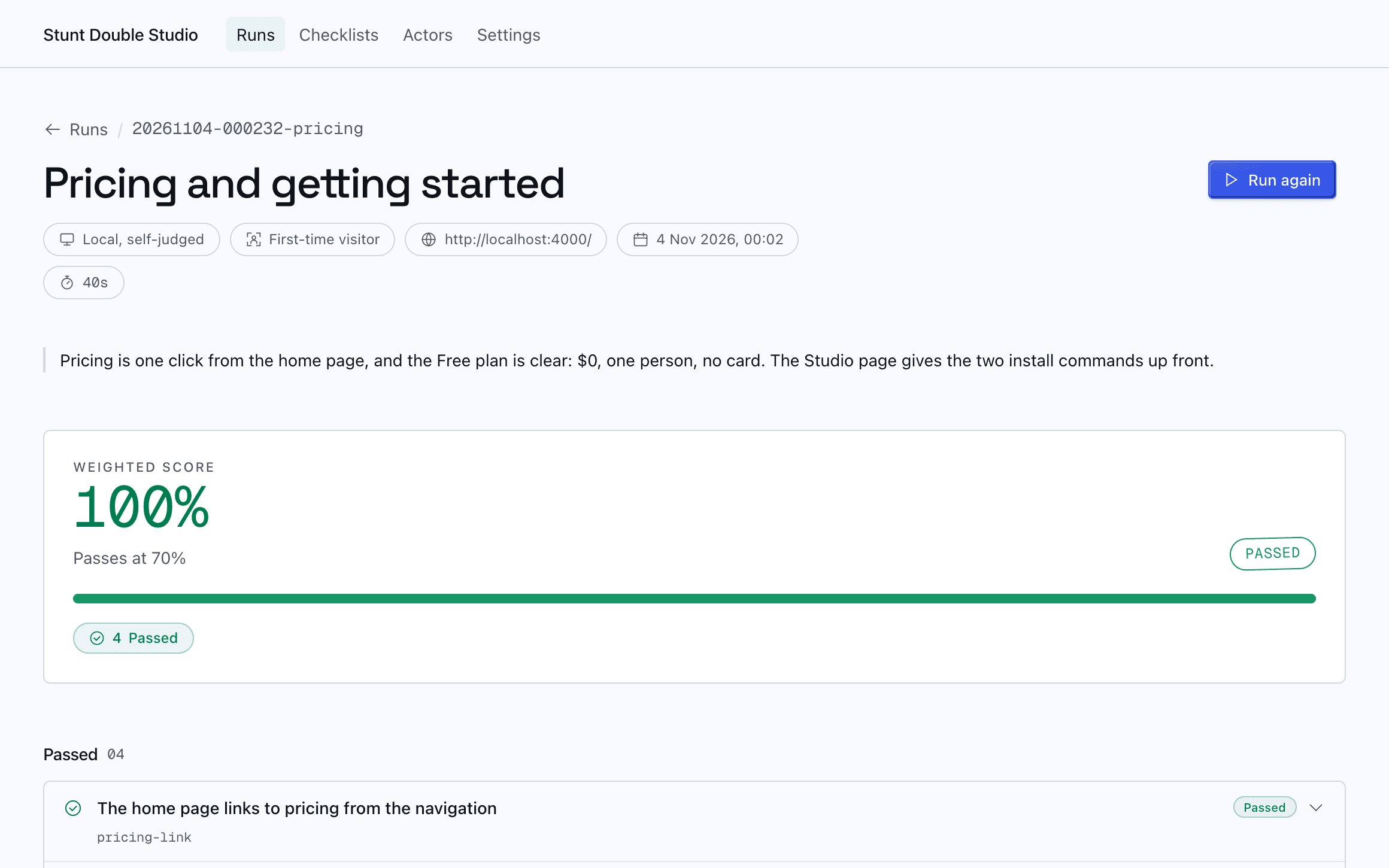
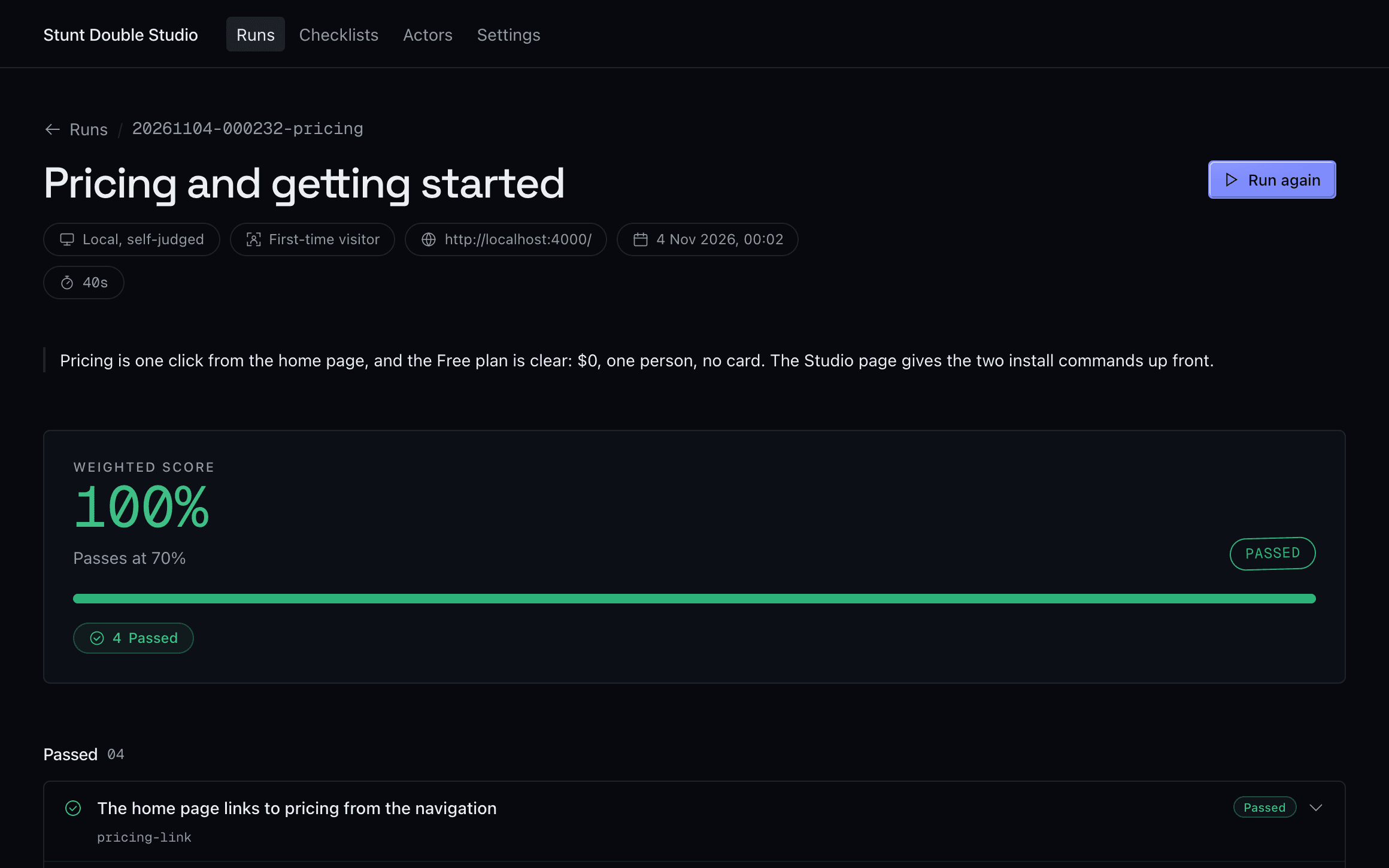
Ask for a run, get the answer
Name the checklist. Your agent goes through each check in Chrome and comes back with the result and a link to watch the run.
- /stuntdouble:run pricing
- stuntdouble · start_run (checklist: "pricing")
- Run 20261104-000232-pricing started. Watch it or stop it at http://127.0.0.1:4747/runs/20261104-000232-pricing
- stuntdouble-actor (First-time visitor, 4 checks on http://localhost:4000/)
- Done
- Passed: 4 of 4 checks passed, weighted score 100% against a 70% threshold.
- Pricing is one click from the home page, and the Free plan is clear: $0, one person, no card. The Studio page gives the two install commands up front. The verdicts are self-judged; a cloud run adds an independent judge.
Edit checklists in Studio
The Studio app checks every field as you write actors and checklists, runs them on your own model and keeps every result.
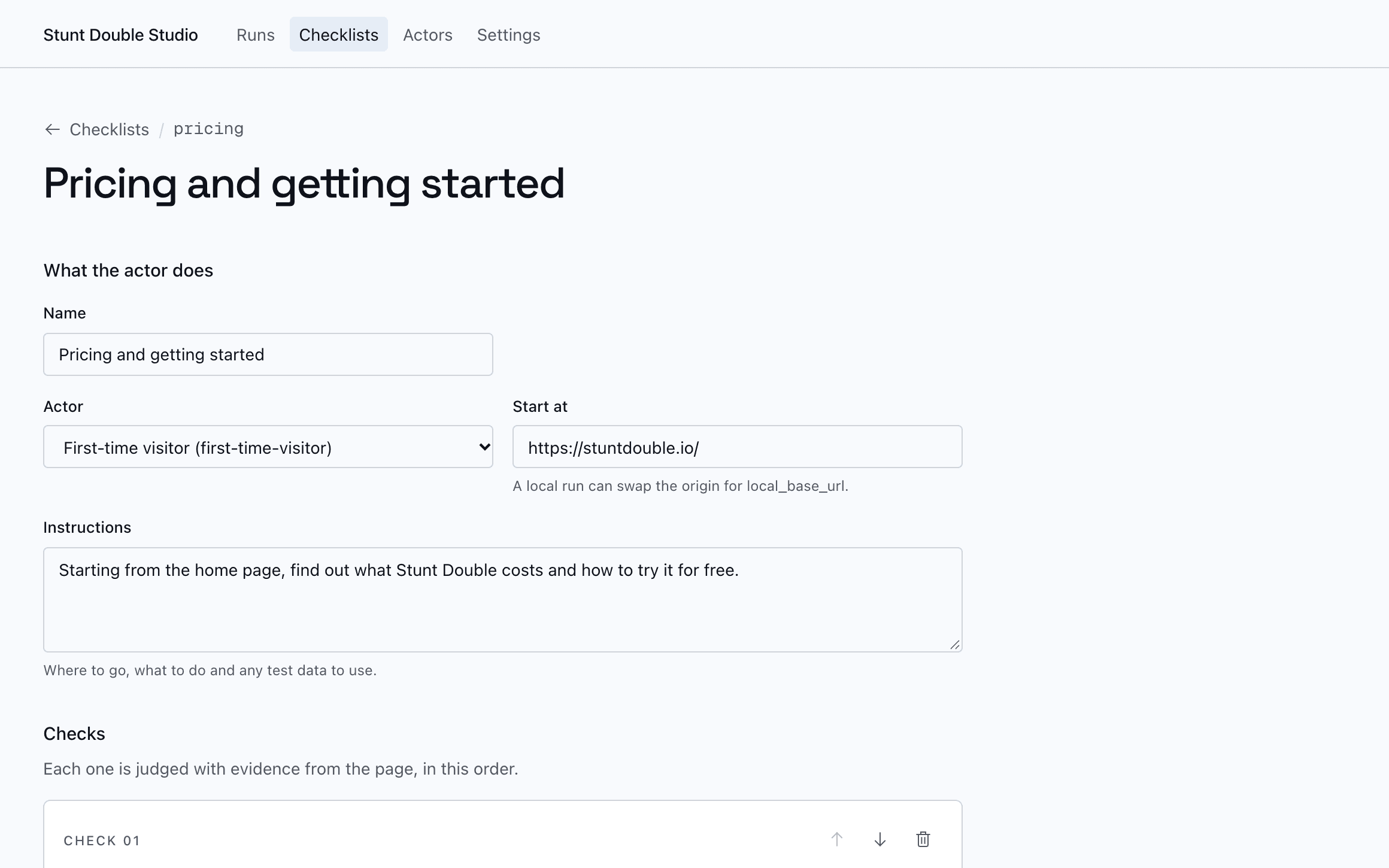
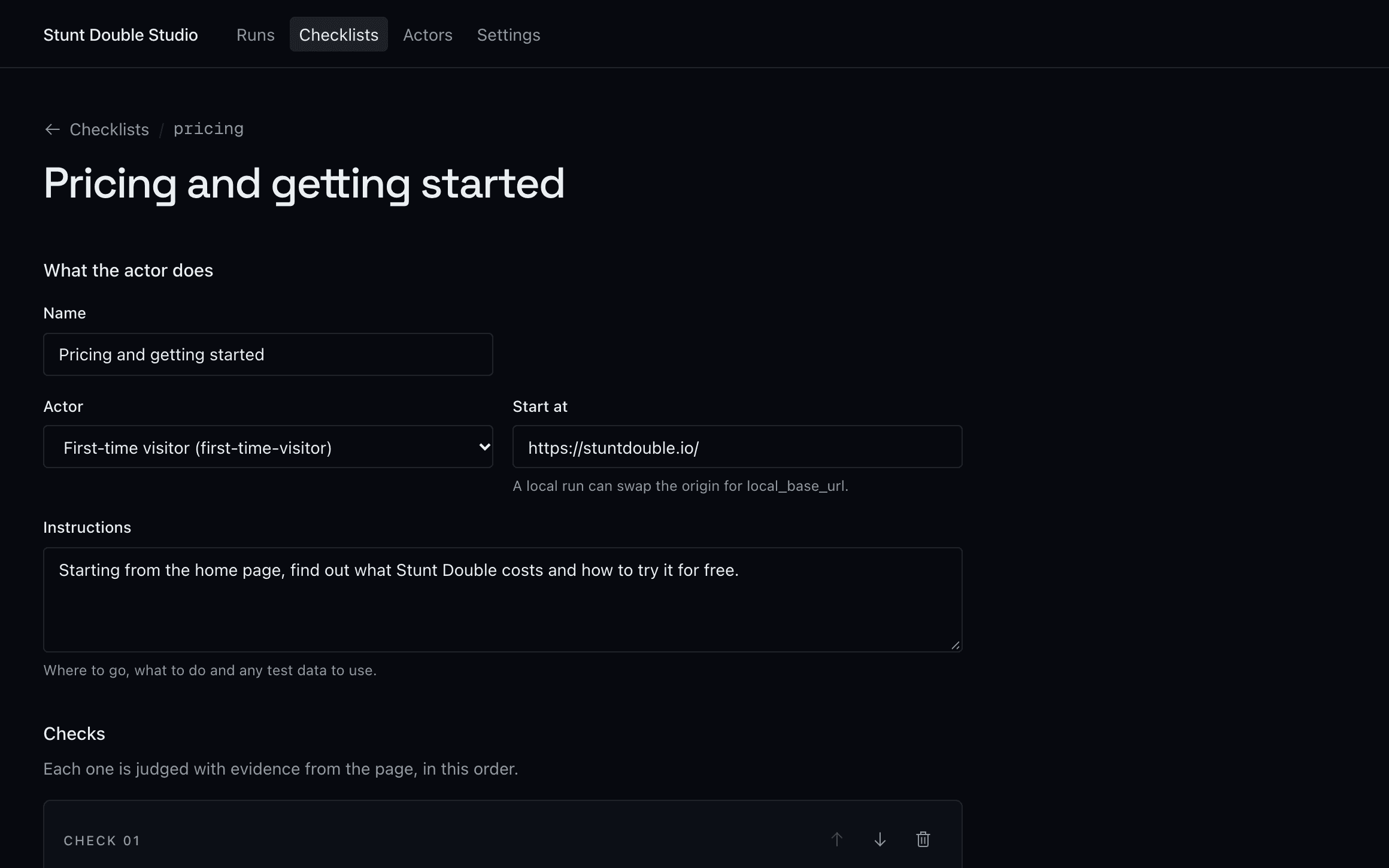
Your agent is the actor, on its own plan or key. The app uses a connection you set: an Anthropic key or an OpenAI-compatible endpoint, never a Claude subscription. On production the actor acts like a person, so use test accounts.
Claude Code commands
Added by the plugin.
| Command | What it does |
|---|---|
/stuntdouble:setup | Sets up Studio in this project. |
/stuntdouble:run <checklist> | Runs a checklist in Chrome. |
/stuntdouble:open | Opens the viewer: verdicts, screenshots, log. |
/stuntdouble:doctor | Checks Node, Chrome and the viewer port. |
/stuntdouble:cloud <checklist> | Moves a checklist to the cloud and runs it there. Signs you in the first time. |
Run the same checklist on every deploy
Studio runs one checklist at a time on your machine. Move it to the cloud to run on every deploy, with the same actor and checks. The cloud needs a public or preview URL, not localhost.
- Parallel, unattended and scheduled runs
- Runs on every deploy, pull request or Figma change
- An independent judge on every verdict
- Interviews, design reviews and feedback triage
- Index scoring
- Team sharing, with Slack, Linear and GitHub
The Free cloud plan includes 60 compute minutes a month and 2 actors, with no card. Free cloud runs reach public URLs only, and may be used to improve actors.