Check every page against your brand and design system
Brand guidelines live in a document the people shipping pages last opened on their first week. Give a project the rules it is judged by, and design reviews apply them the same way on every page and every Figma frame, with each finding citing the rule it broke.
- 01Your guidelines
- 02A live page or a Figma frame
- 03Design review
- 04Findings citing the rule
How it works
Captures on this page are from a workspace testing Parlour, a demo app simulating a restaurant booking flow.
- 01
Import the rules
Brand, tone of voice, design system, legal copy. Import them from a web page, a published Storybook or a GitHub repository.
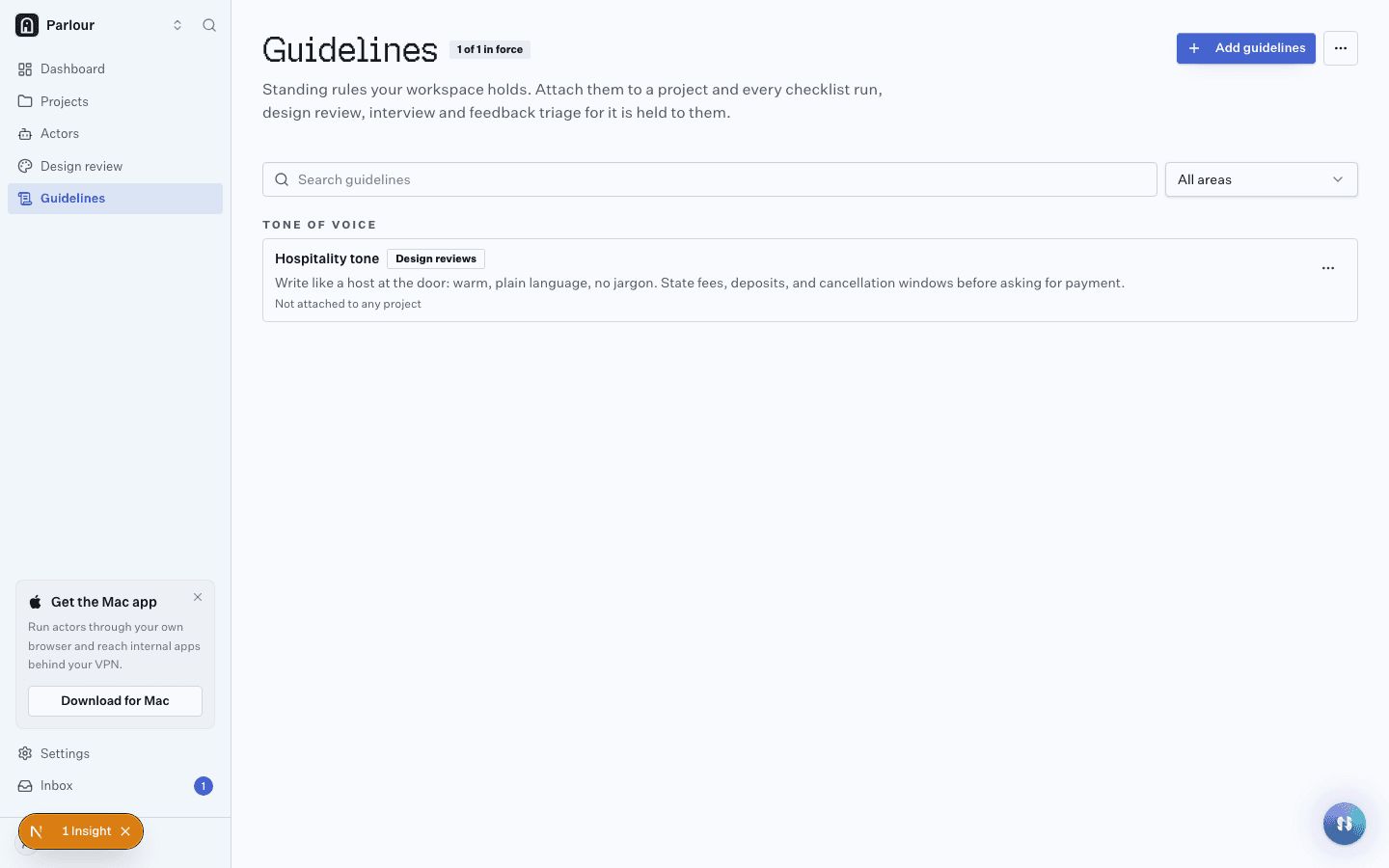
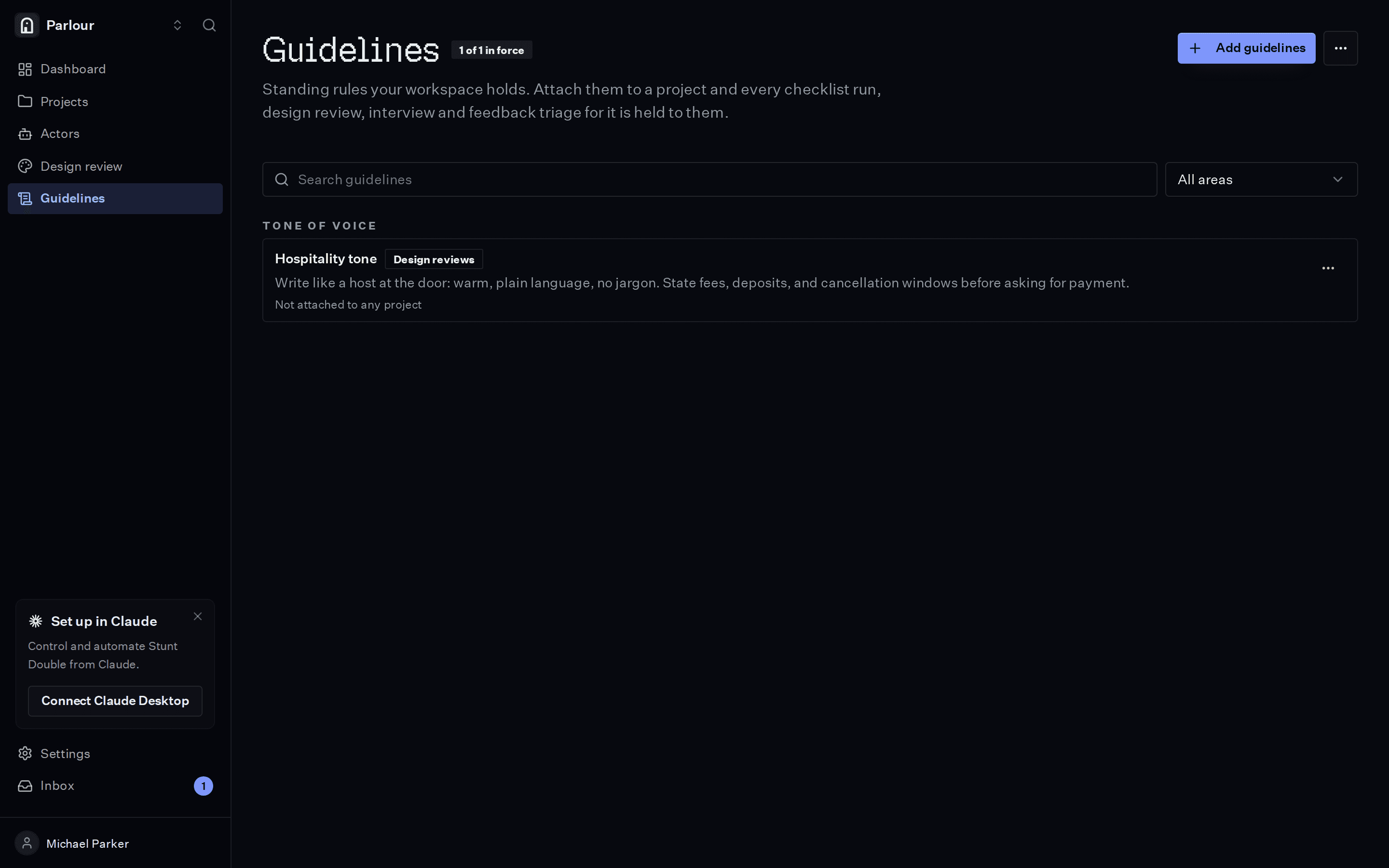
Guidelines: the rules every review cites. - 02
Review a page or a frame
Point actors at a live page or a Figma frame, from the dashboard or a Slack thread. Findings come back tagged by severity and category.
- Live page or Figma frame
- Design review
- Reply in the Slack thread
Ask from the dashboard or a Slack thread; the findings come back to the same place. - 03
Keep it running
Write the rules a live page must meet as checklist requirements and put them in an automation. They run on a schedule or on a Figma, GitHub or Vercel event, so drift gets caught when it happens.
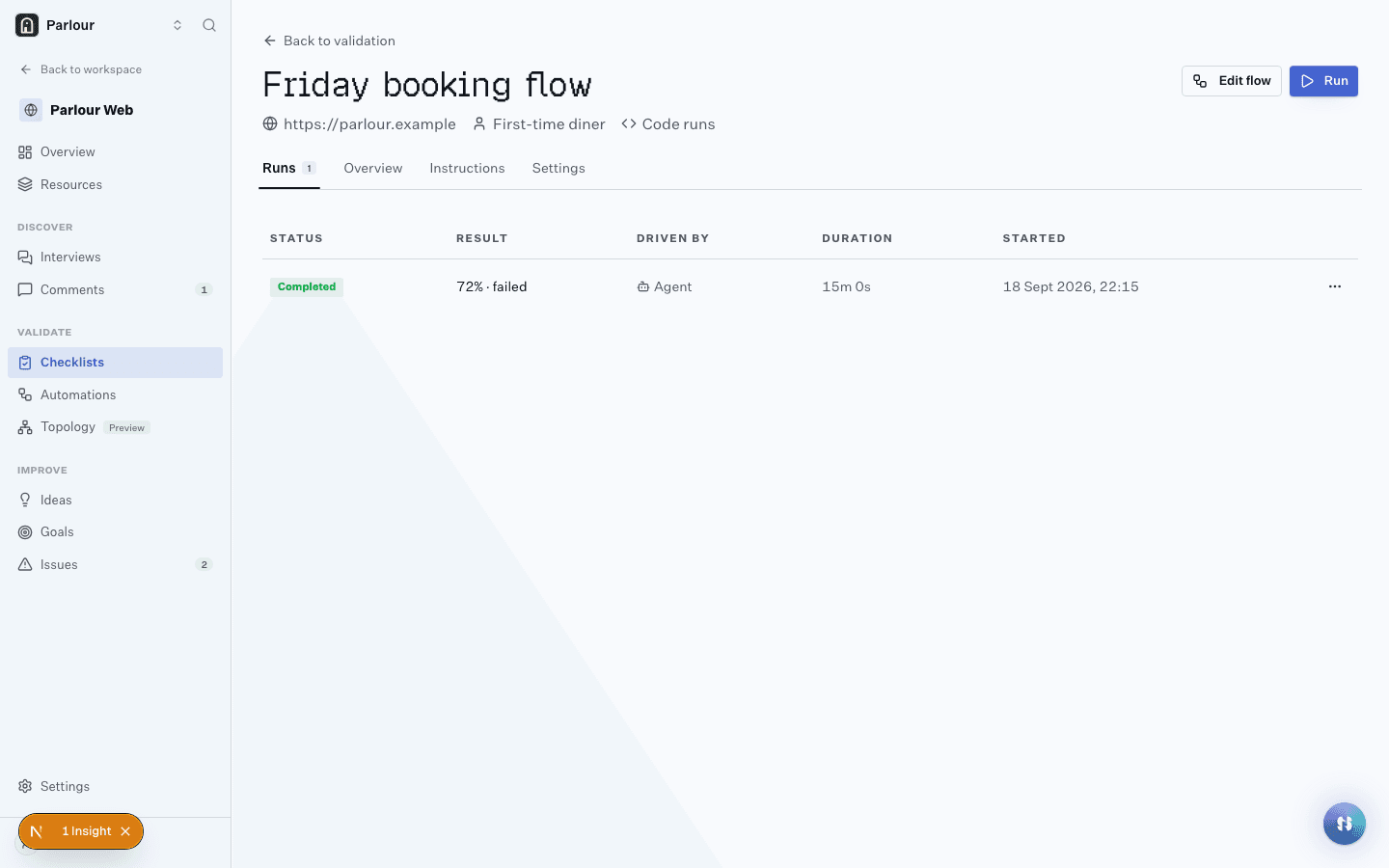
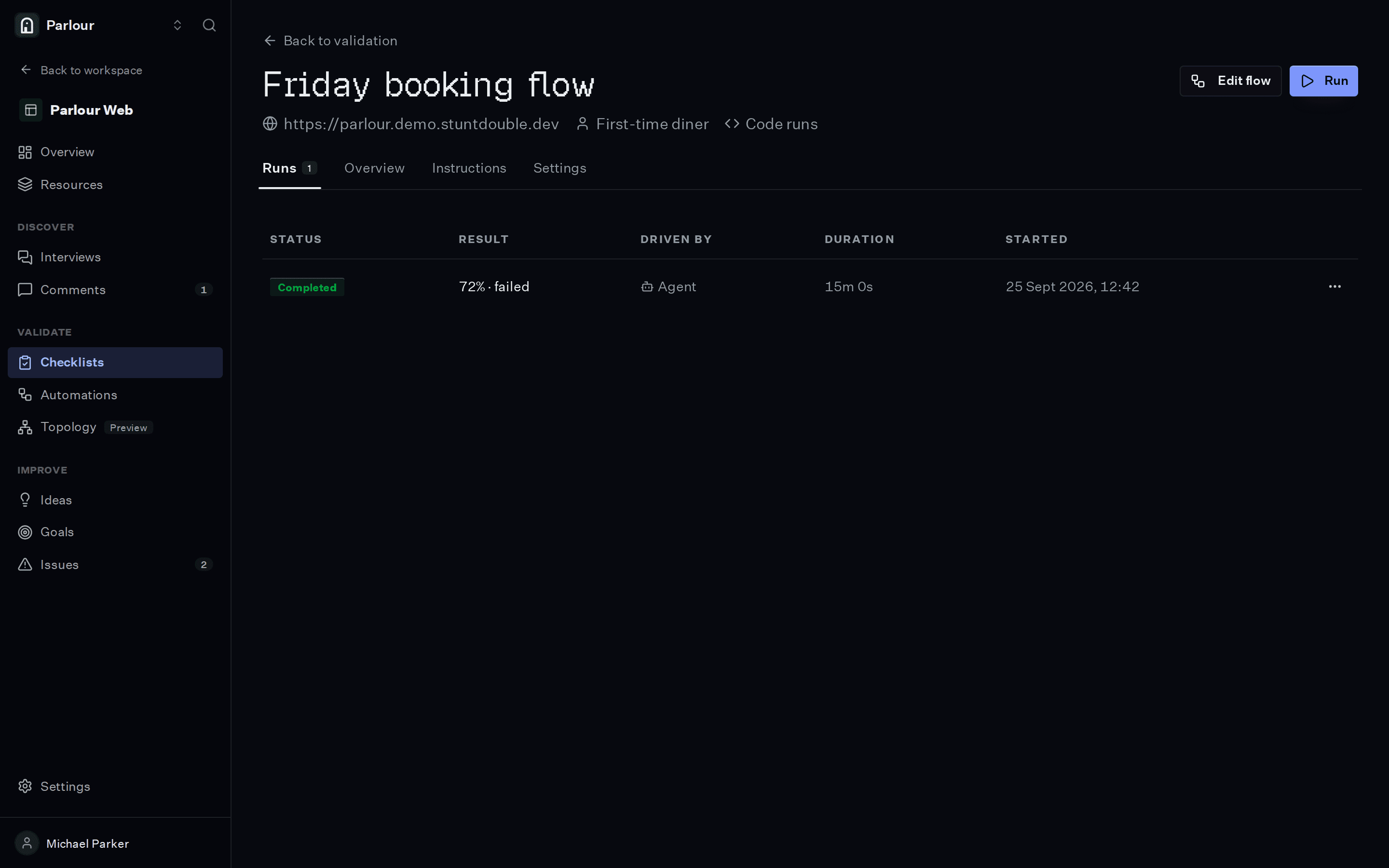
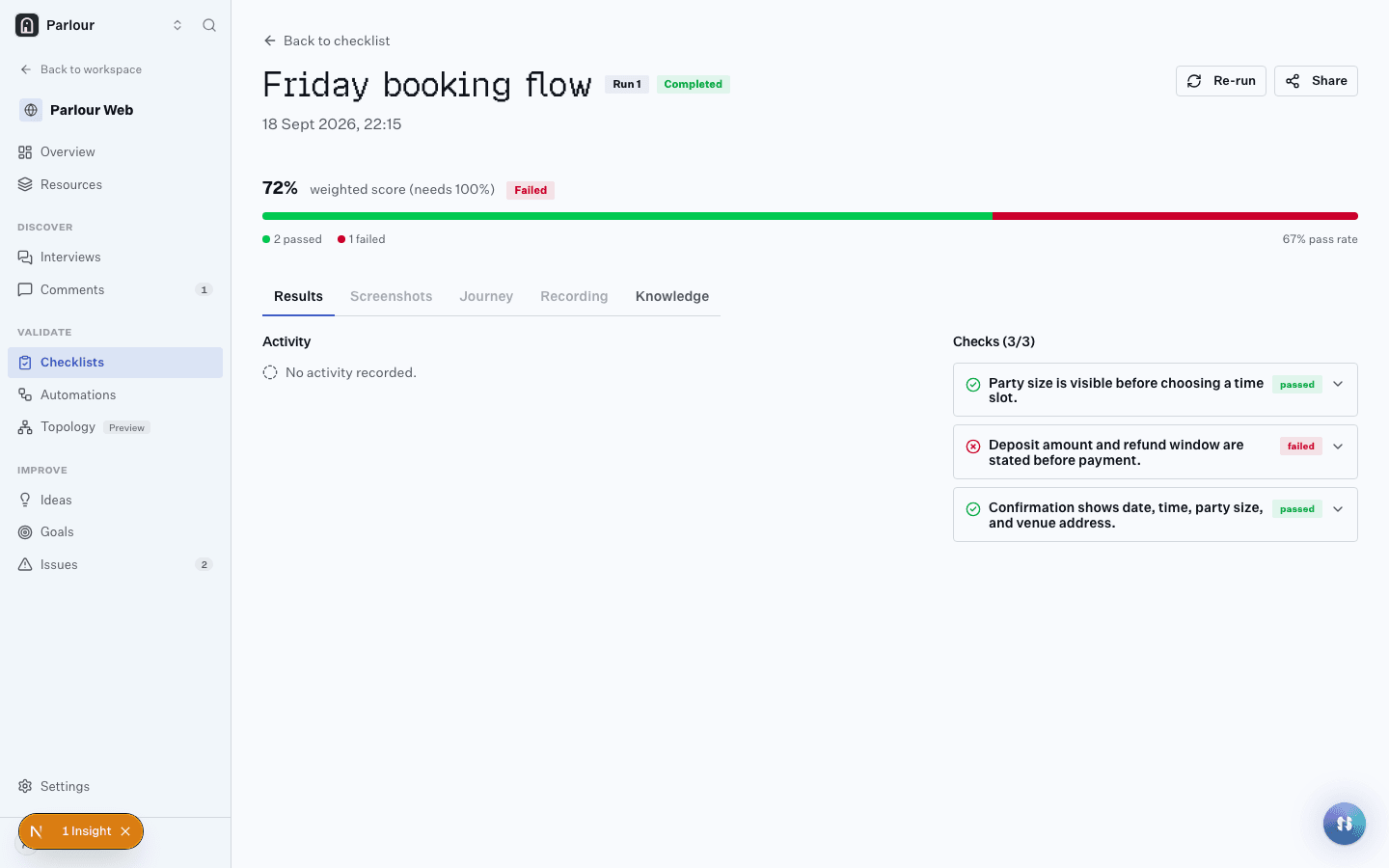
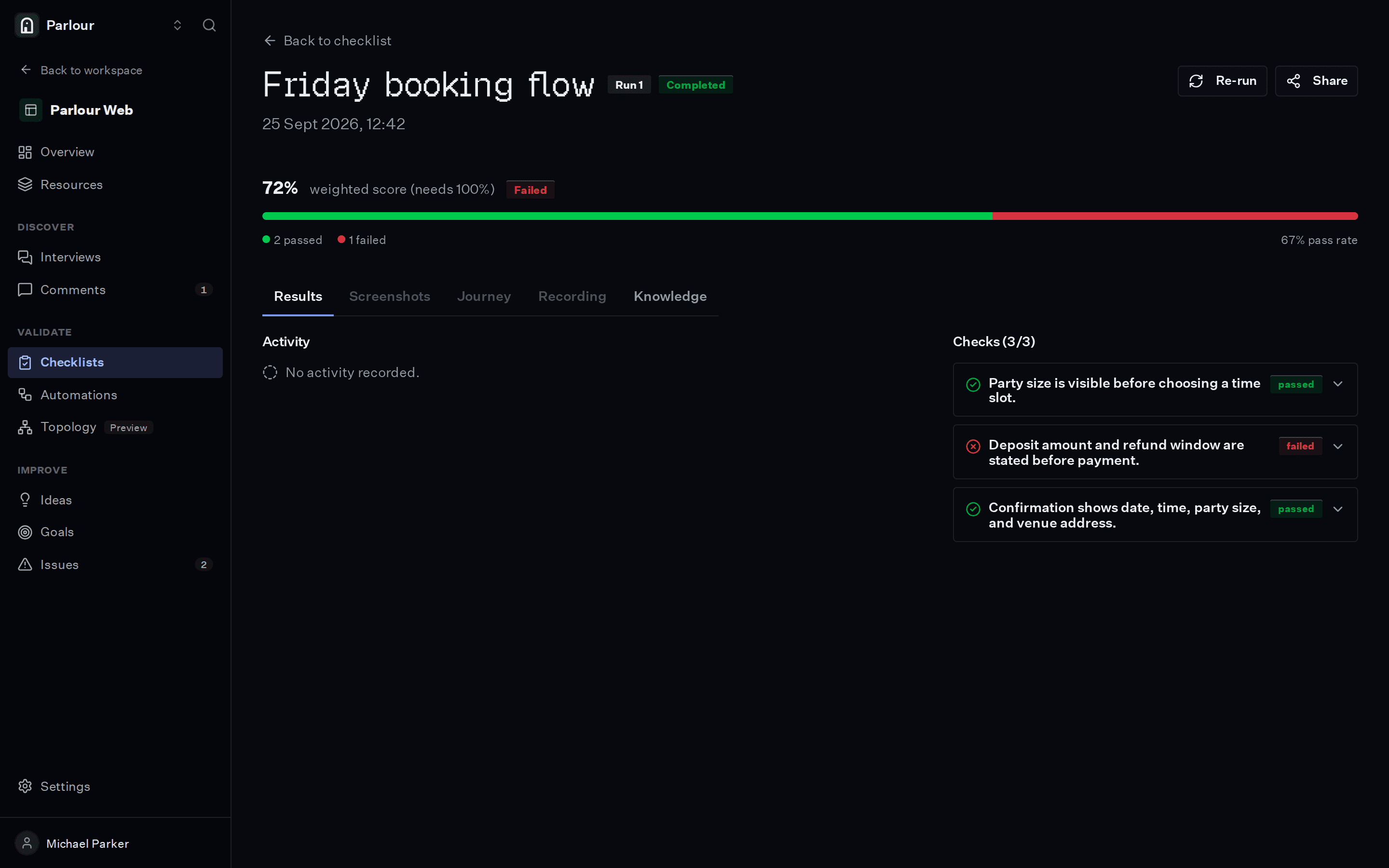
A checklist and its run history, one row per run.
The requirements you would write
Plain language, one per line. An actor checks each one in a real browser.
- 01Headings use sentence case
- 02The primary colour is used only for the main action
- 03Pricing copy includes the required tax disclaimer
- 04Plan prices match between the homepage and the pricing page
What comes back
- 01
Findings tagged by severity and category, each citing the guideline
- 02
The screenshot of the page or frame each finding is about
- 03
Results in the dashboard or in the Slack thread that asked
Where it stops
A review applies the rules you wrote down. Judgement calls your guidelines do not cover still need a designer.
Questions people ask
Can it review designs before they are built?
Yes. Point a design review at a Figma frame, or create a project straight from a Figma file.
Can I ask for a review in Slack?
Yes. Share a link in a Slack thread and the reviewed screen comes back in the same thread.
Keep reading
Go further
Related terms
Try it on your own site
Give an actor your URL. It opens a real browser, works through the site, and shows you every step it took.
Free to try, no sign-up needed.