Check every pull request in a real browser
Code review reads the diff. It does not click the button. Stunt Double runs a checklist against each preview deployment and posts the outcome on the pull request, so the regression shows up before merge, with the screenshot of the step that failed.
- 01Pull request opened
- 02Preview deployment
- 03Checklist run
- 04Result on the pull request
How it works
Captures on this page are from a workspace testing Parlour, a demo app simulating a restaurant booking flow.
- 01
Write the flows that must not break
A checklist per critical flow, each requirement in plain language. No selectors to write or maintain.
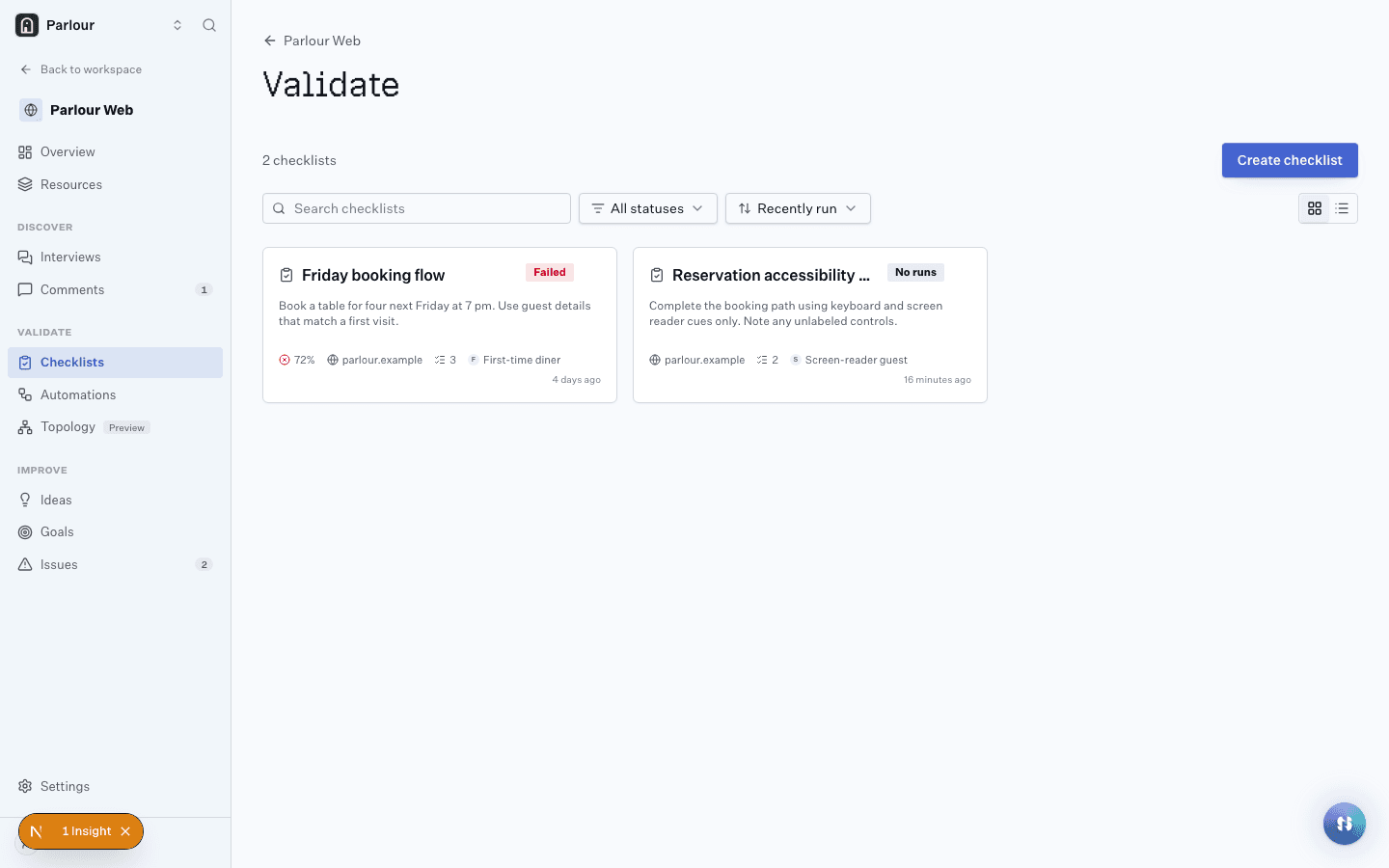
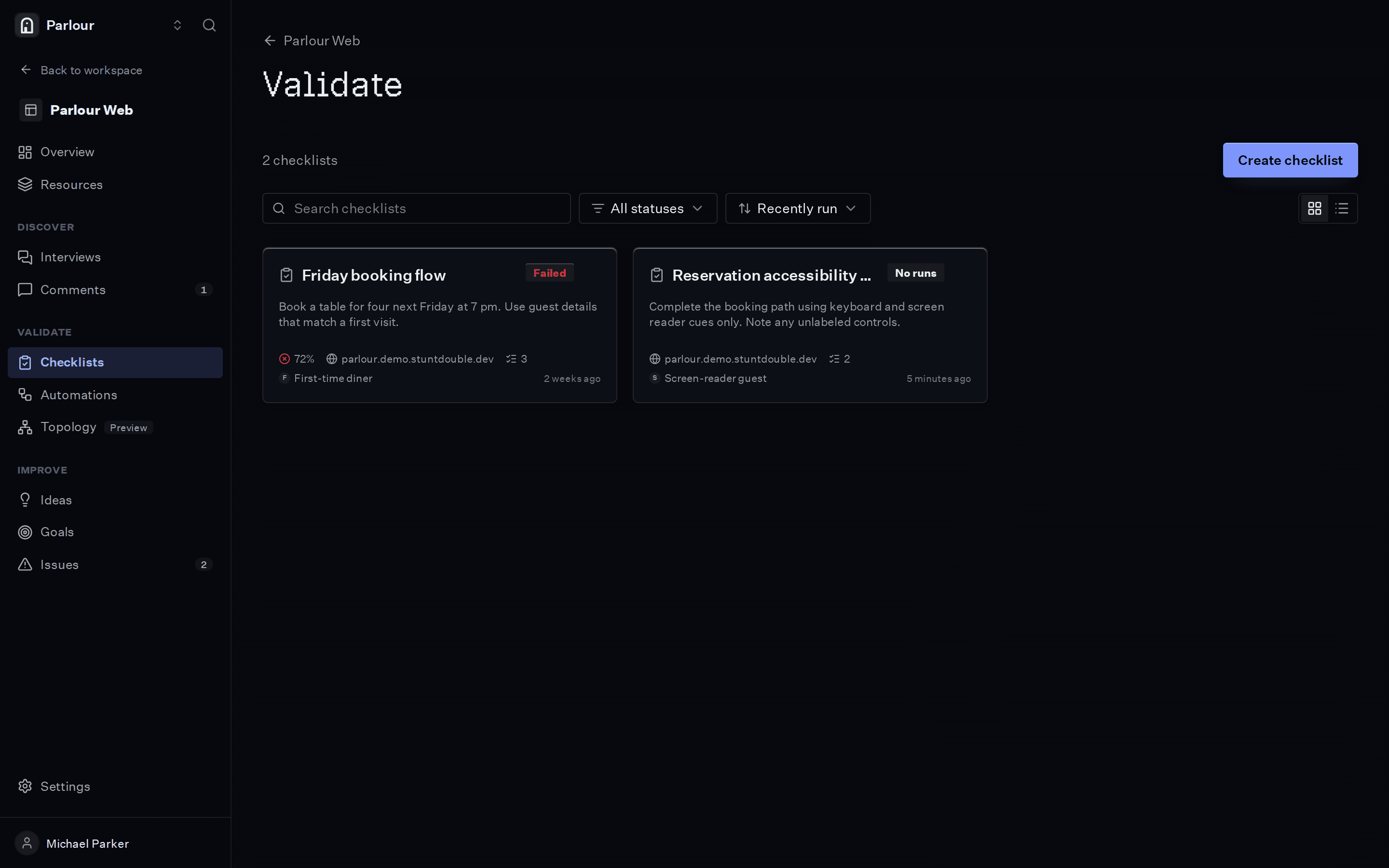
Checklists, each with the result of its last run. - 02
Trigger it from GitHub or Vercel
An automation starts the checklist on a GitHub or Vercel event and posts the result as a comment on the pull request.
- A GitHub event
- or a Vercel deployment
- starts the automation
Either event can start the run; the result goes back to the pull request. - 03
Read the failure where you review
A failed check links to its screenshot and the reasoning, so whoever reviews the change sees what broke without running it.
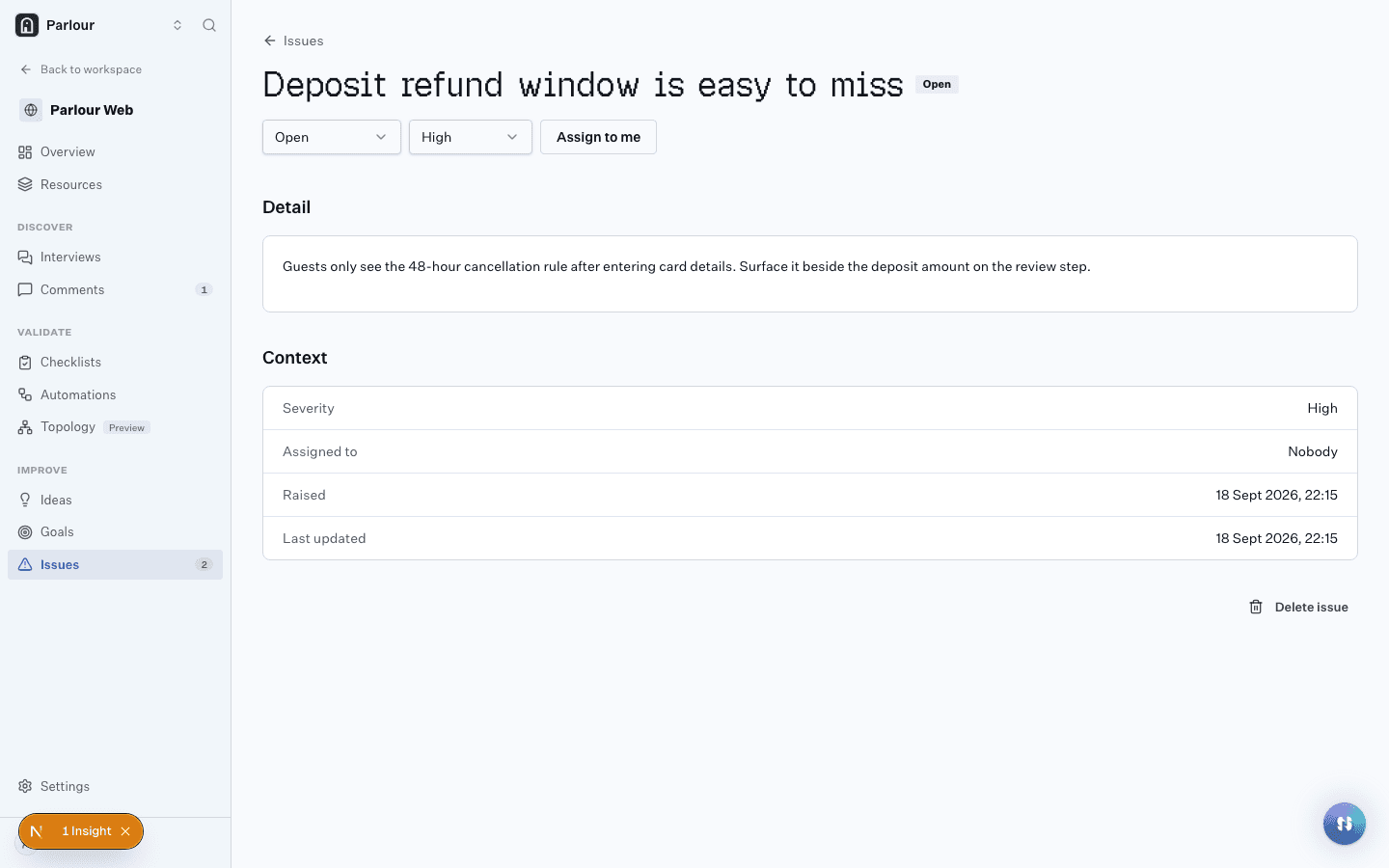
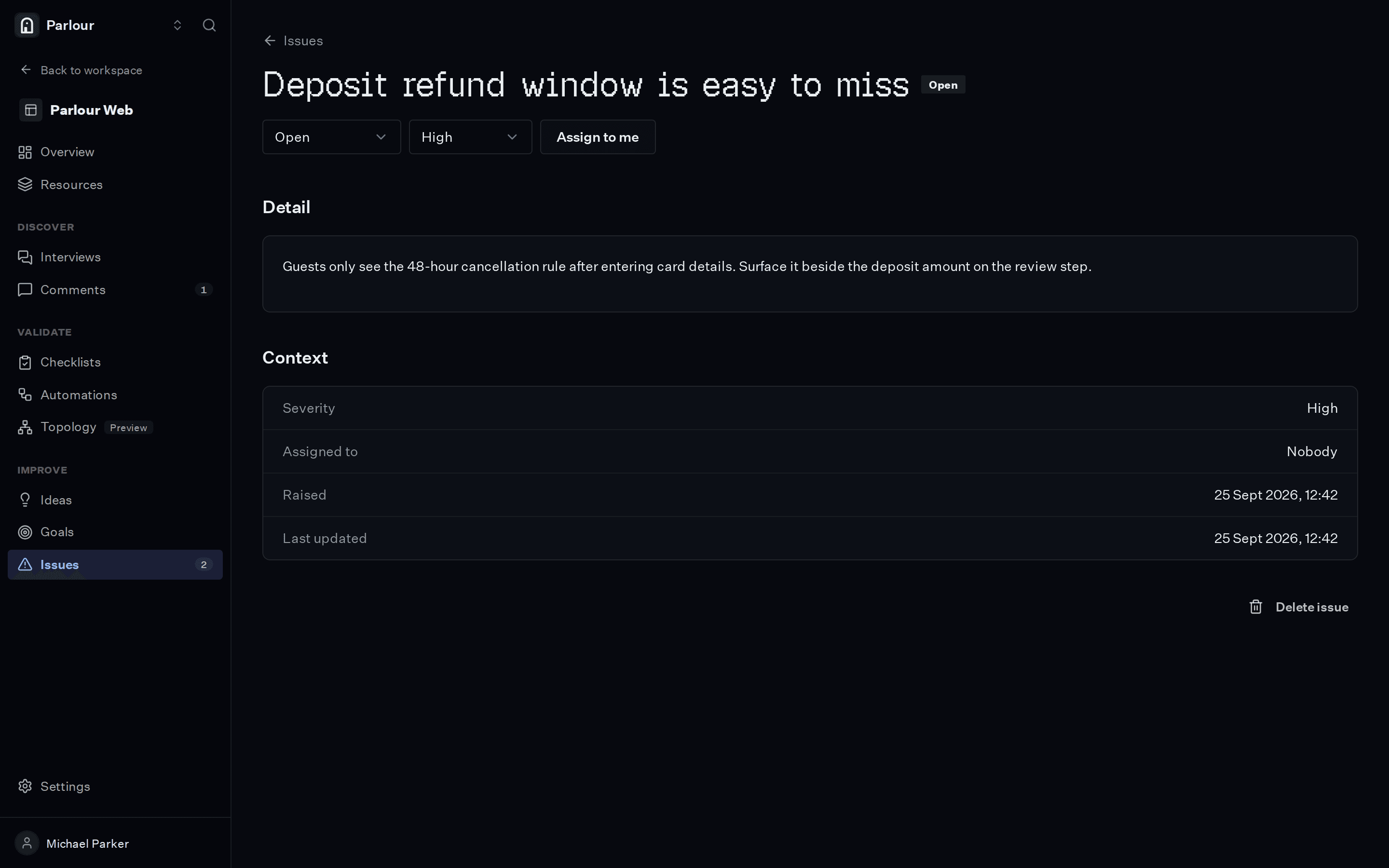
A failed check, raised as an issue with its evidence.
The requirements you would write
Plain language, one per line. An actor checks each one in a real browser.
- 01A returning user can sign in with the test account
- 02The pricing page shows every plan
- 03Checkout reaches the confirmation screen
- 04No page in the main navigation shows an error
What comes back
- 01
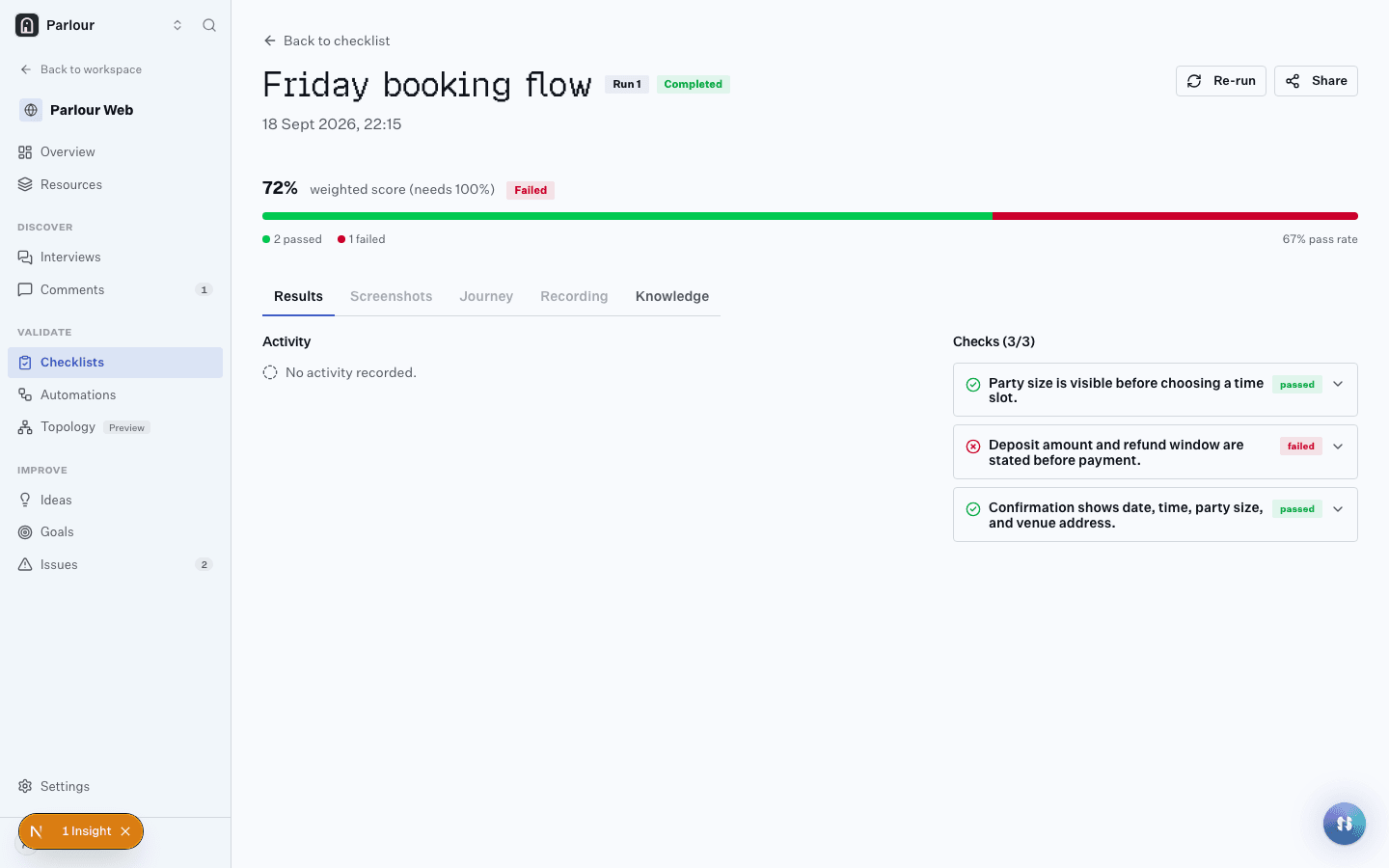
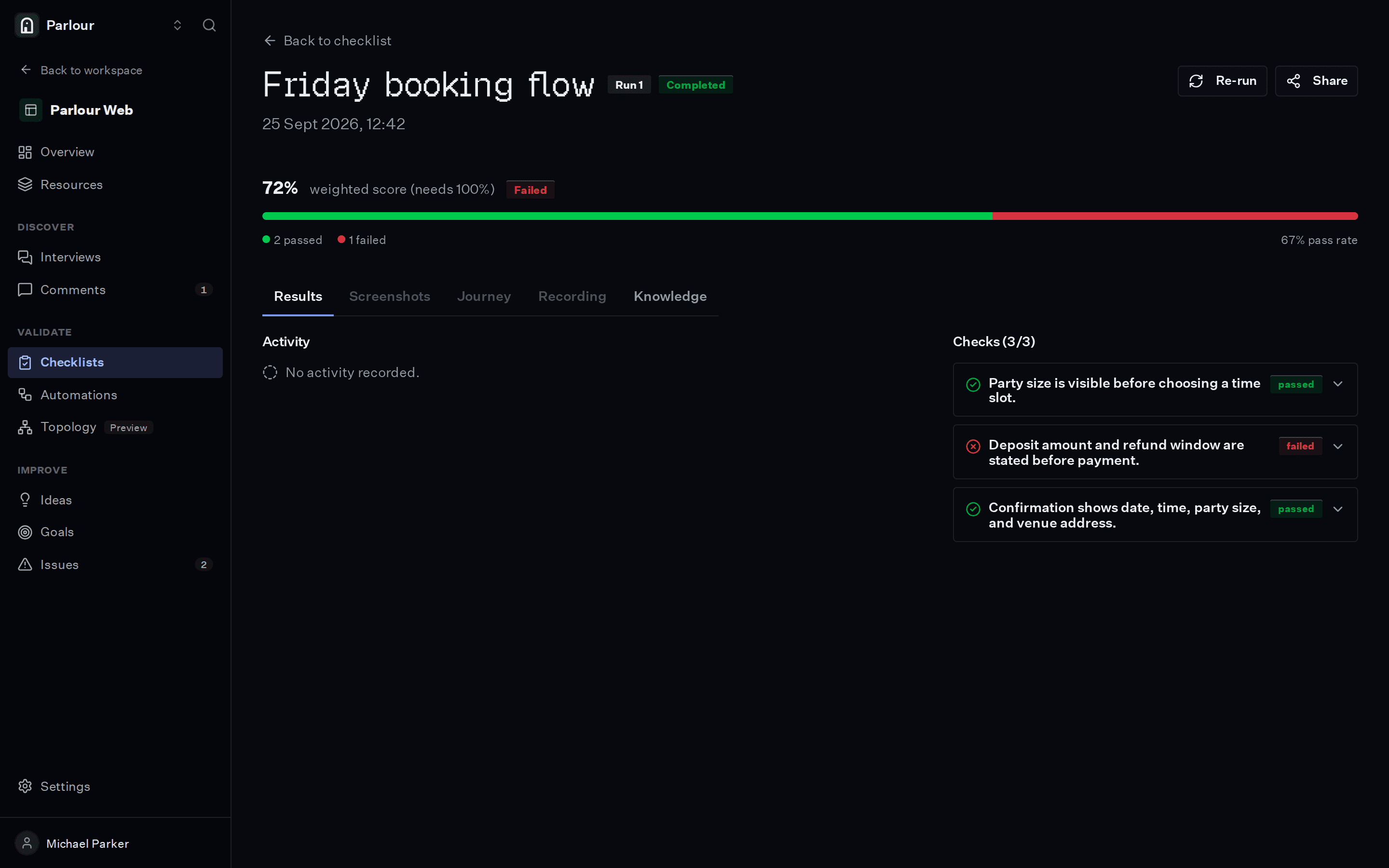
Each check passed or failed, with the screenshot and the reasoning behind it
- 02
A recording of the whole session, step by step
- 03
Insights for anything a check did not ask about
Where it stops
A run takes minutes, not seconds. Keep exact assertions that must finish fast in your test suite, and use checklists for the flows a person would notice.
Questions people ask
Does this replace Playwright or Cypress?
No. Keep scripts for exact assertions on every commit. Checklists cover requirements written in plain language, with a screenshot and the reasoning for each check, and nothing to maintain when the markup changes.
Do repeat runs behave the same way?
After its first run a checklist replays the recorded path, so repeat runs are faster and land the same way.
Can my coding agent run it?
Yes. Claude Code, Cursor and any other MCP client can start a checklist through the MCP server and read the result.
Keep reading
Other use cases
Try it on your own site
Give an actor your URL. It opens a real browser, works through the site, and shows you every step it took.
Free to try, no sign-up needed.