Test your signup and onboarding as a new user
Someone on your team signs up for the product most weeks, but always as someone who already knows it. An actor signs up cold, as the person you are trying to win. It has its own inbox, so the verification email, the magic link and the one-time code are part of the test rather than the place it stops.
- 01Landing page
- 02Sign-up form
- 03Inbox: verification code
- 04First screen
- 05Dashboard
How it works
Captures on this page are from a workspace testing Parlour, a demo app simulating a restaurant booking flow.
- 01
Describe the new user
Give an actor the persona of your typical first-time user: their role, what they already use, and how much patience they arrive with.
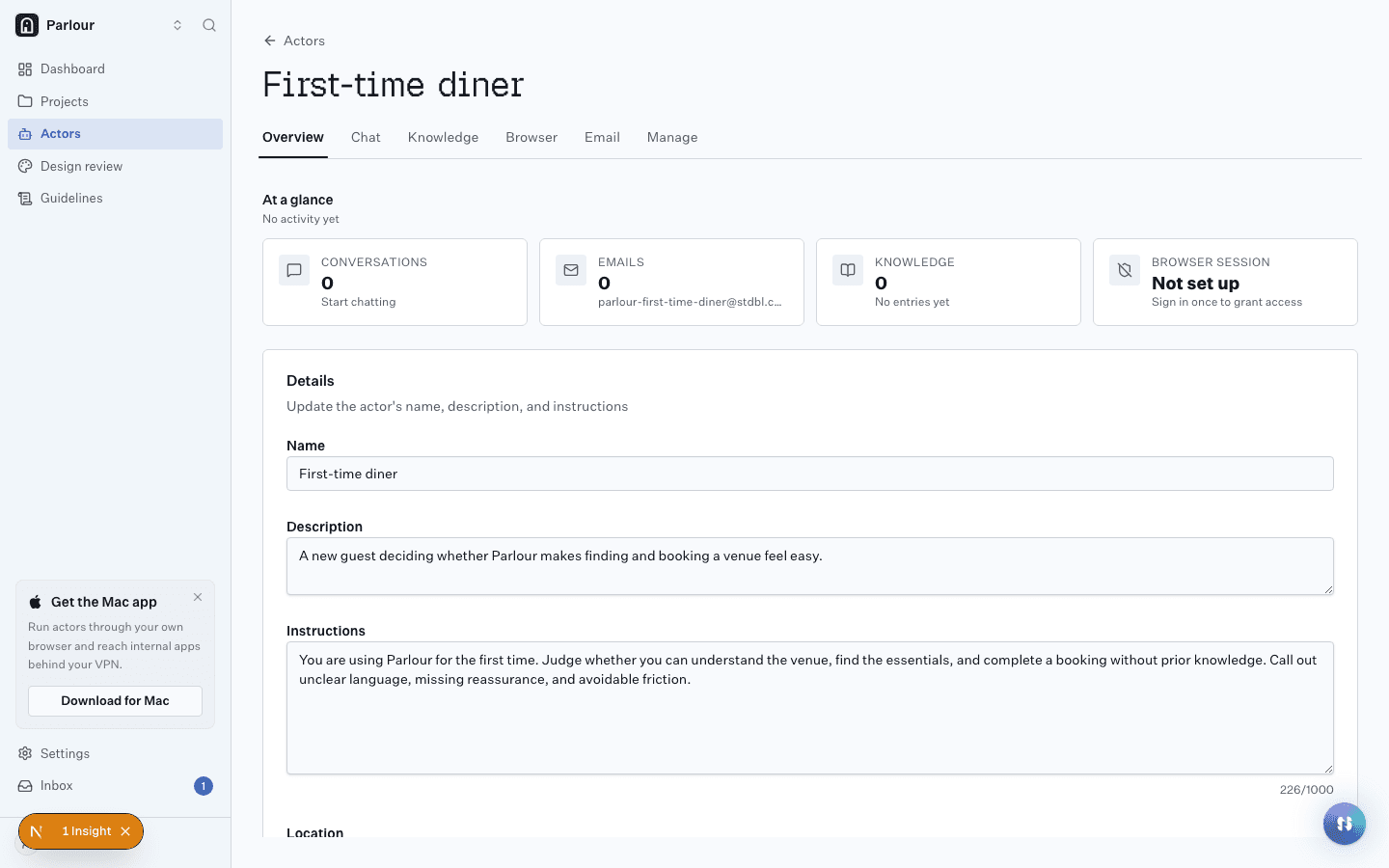
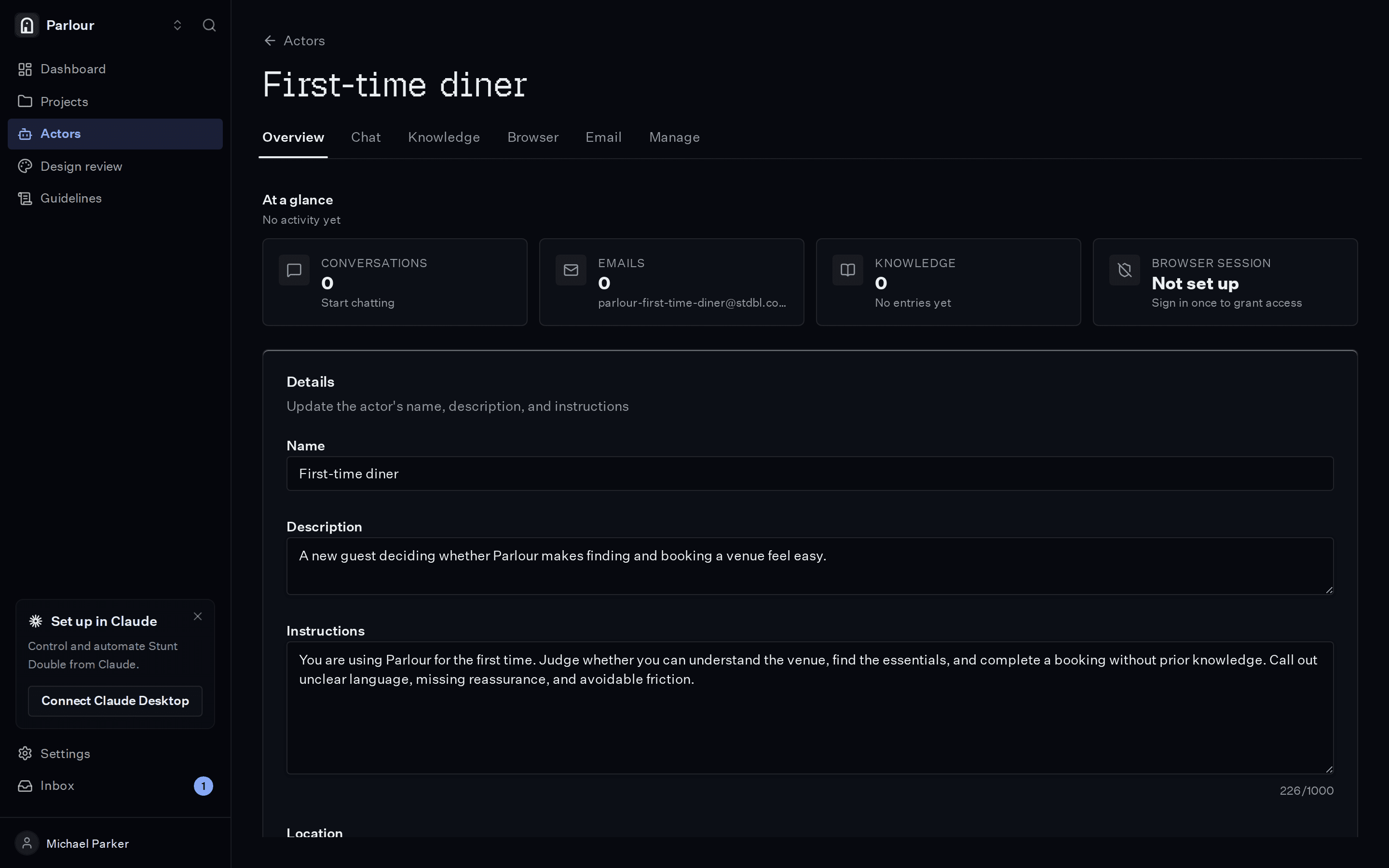
An actor: a persona with instructions and knowledge. - 02
Write down what a good first run looks like
List the requirements in plain language, from "the verification email arrives and its link works" to "a new user reaches the dashboard with a clear next step".
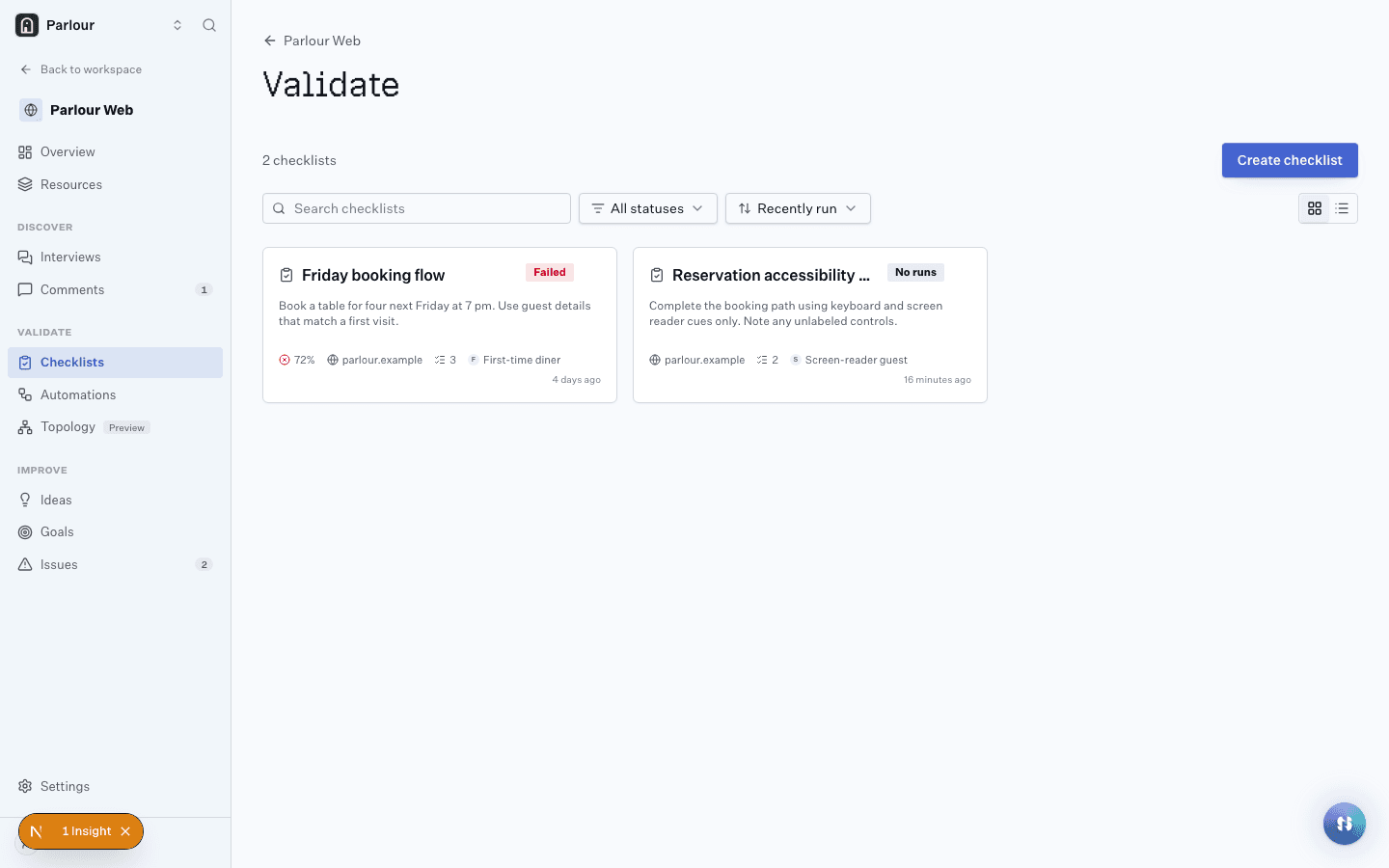
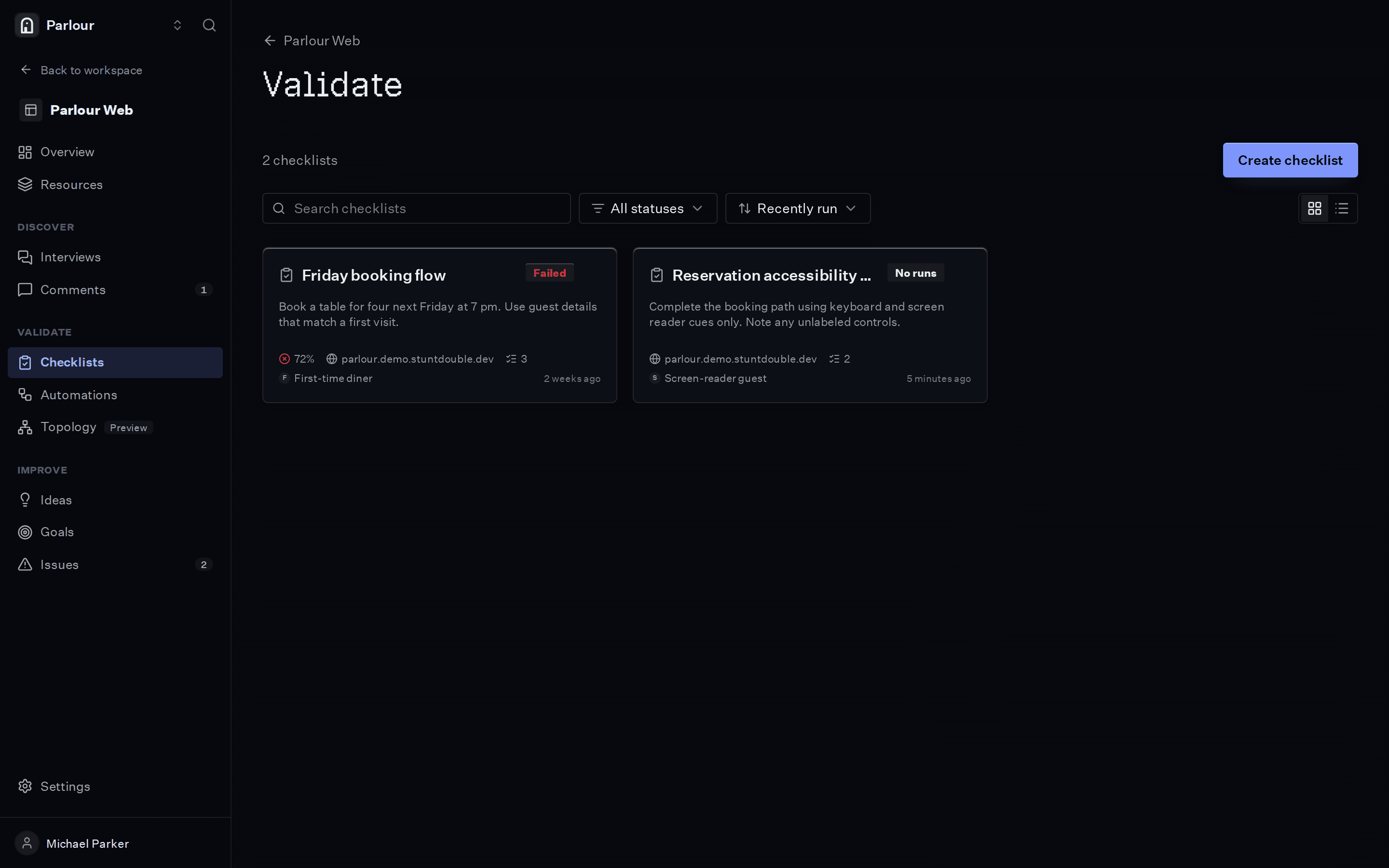
Checklists, each with the result of its last run. - 03
Run it, then run it on every change
The actor signs up in a real browser and every check comes back with a screenshot. Add the checklist to an automation and it runs again on each deploy.
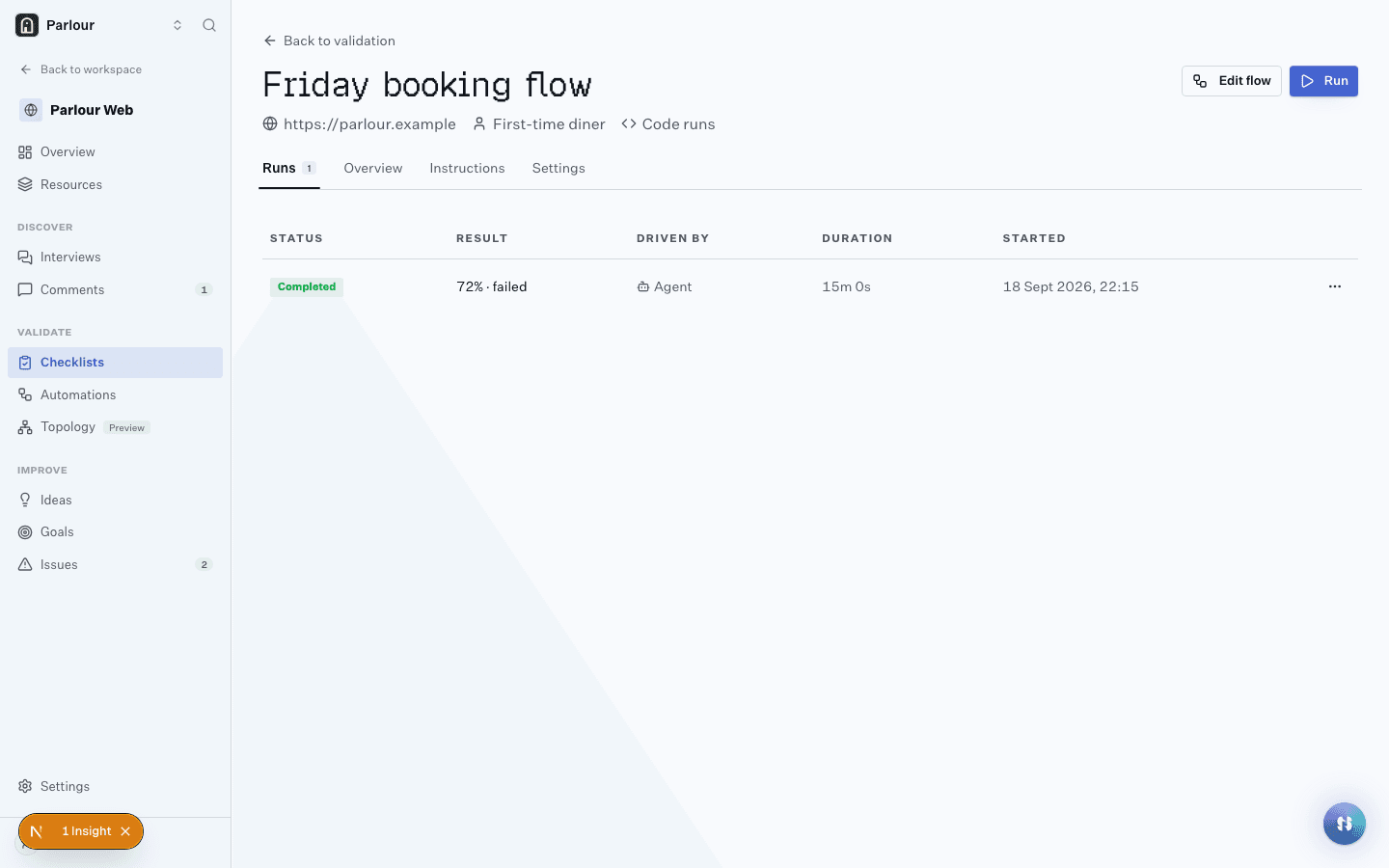
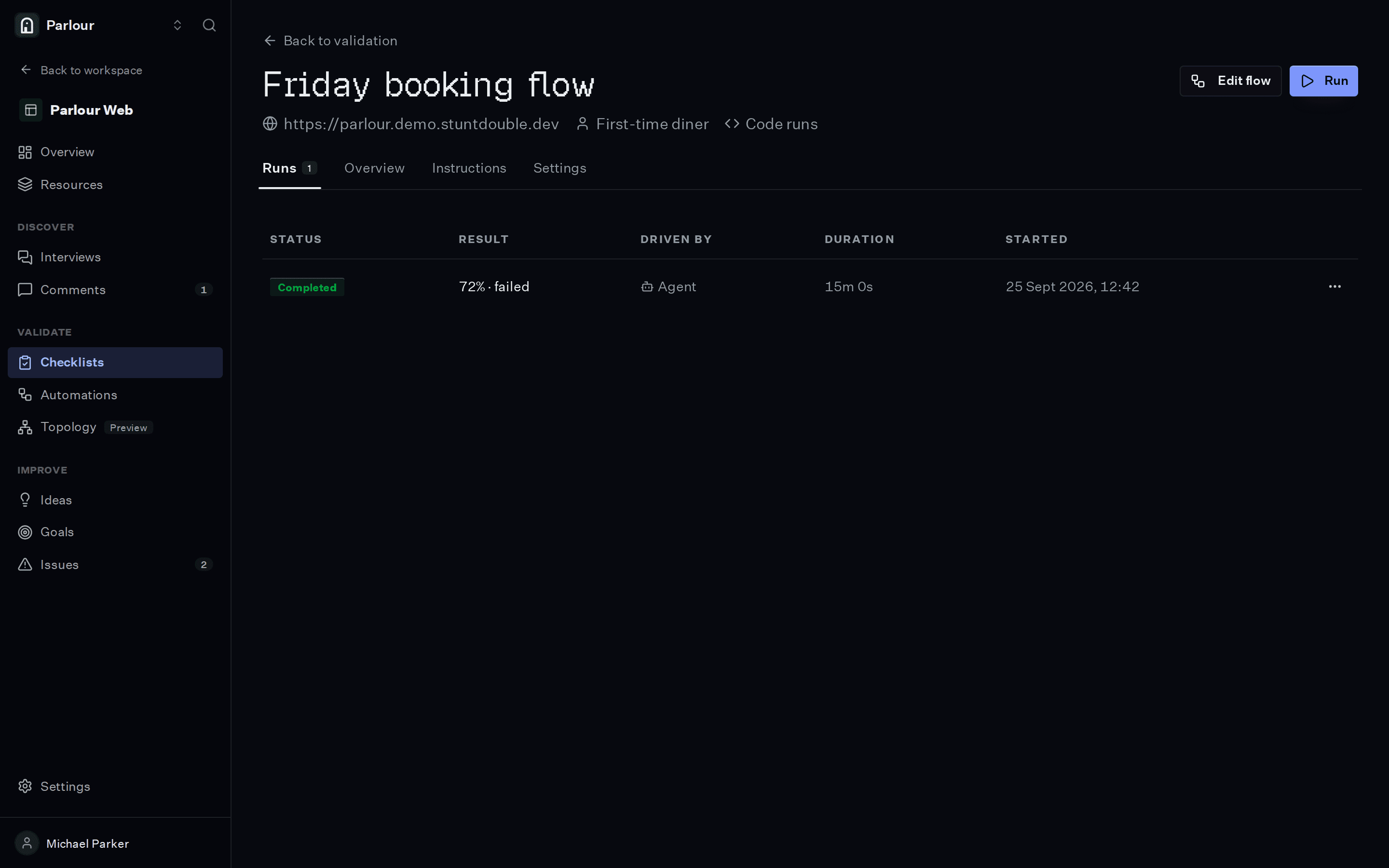
A checklist and its run history, one row per run.
The requirements you would write
Plain language, one per line. An actor checks each one in a real browser.
- 01A new user can create an account with an email address
- 02The verification email arrives and its link or code works
- 03The first screen after sign-up says what to do next
- 04Required fields say what they need before the form is submitted
- 05The whole flow works on a phone viewport
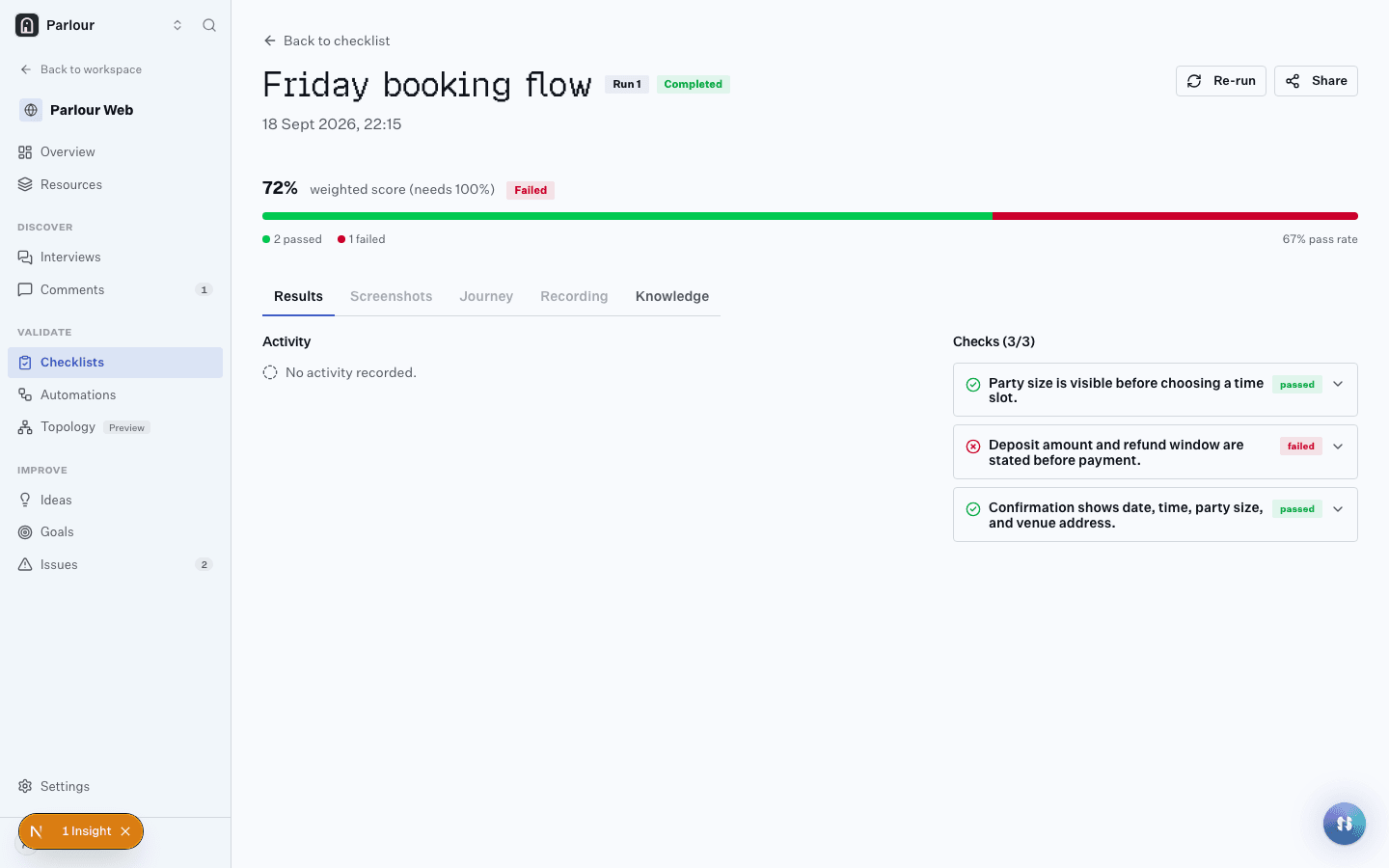
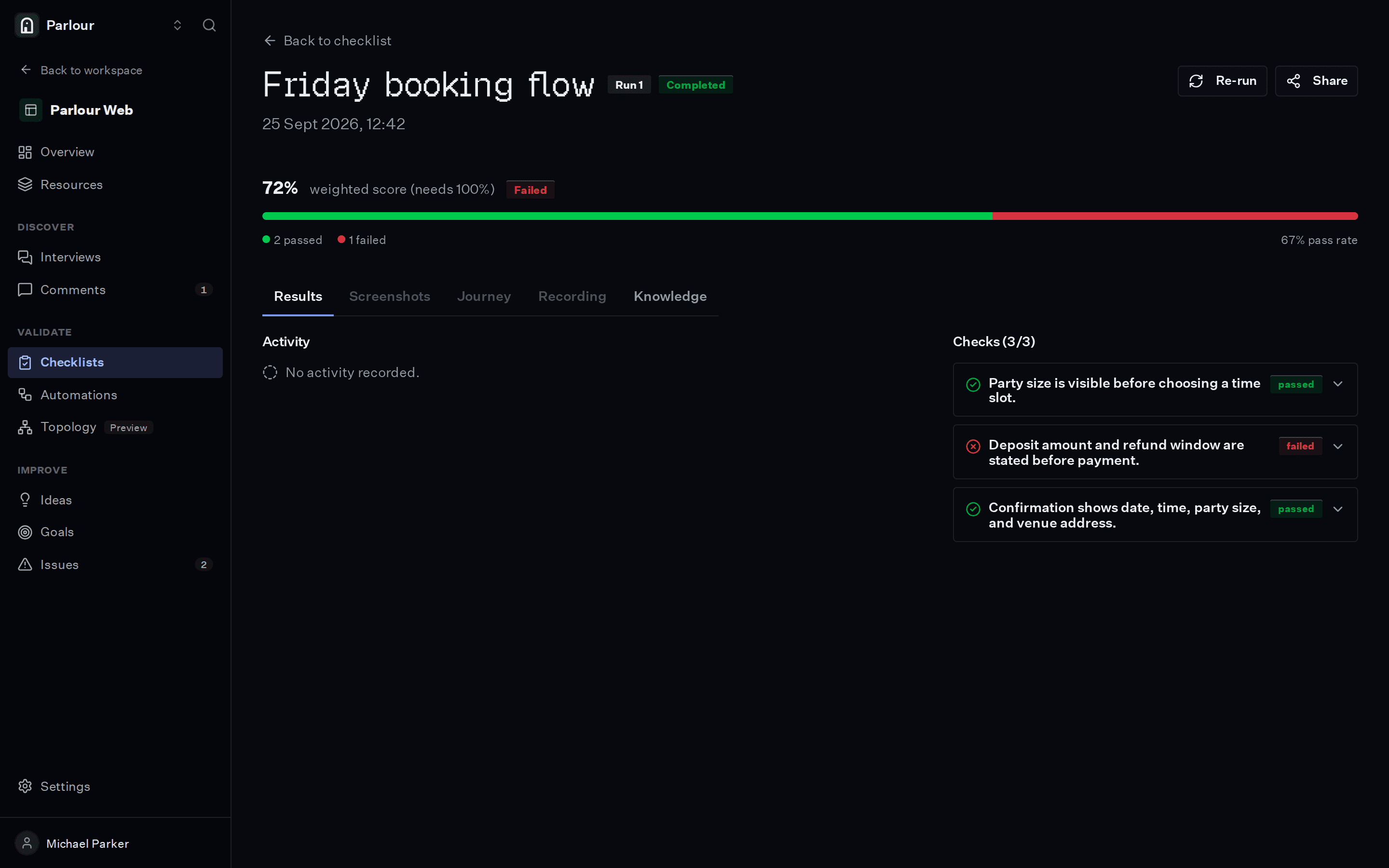
What comes back
- 01
Each check passed or failed, with the screenshot and the reasoning behind it
- 02
A recording of the whole session, step by step
- 03
Insights for anything a check did not ask about
Where it stops
An actor shows you where the first run breaks or stalls. Whether new users are still around a month later is a question for your retention numbers and for conversations with those users.
Questions people ask
Can an actor complete email verification?
Yes. Every actor has its own email inbox and browser session, so sign-up codes, magic links and verification emails arrive and get used. The flow is tested end to end.
What if sign-up needs an invite or an existing account?
Put the details in the actor’s knowledge, the same way you would brief a tester. Knowledge can hold product facts and test credentials.
Can I test onboarding before it is live?
Yes. Anything with a reachable URL works, including staging and preview deployments. For a private URL, the Mac app runs the browser on your own machine.
Keep reading
Go further
Related terms
Try it on your own site
Give an actor your URL. It opens a real browser, works through the site, and shows you every step it took.
Free to try, no sign-up needed.