Find the step where your checkout loses people
A funnel chart tells you which step loses people. It does not tell you what they were looking at when they left. An actor goes from landing page to confirmation as the customer you are trying to win, stops where that customer would stop, and shows you the screen.
- 01Product page
- 02Cart
- 03Shipping
- 04Payment
- 05Confirmation
How it works
Captures on this page are from a workspace testing Parlour, a demo app simulating a restaurant booking flow.
- 01
Cast the customers you want
Give actors the context that changes behaviour: what they already use, the price they expect, and the city and device they buy from.
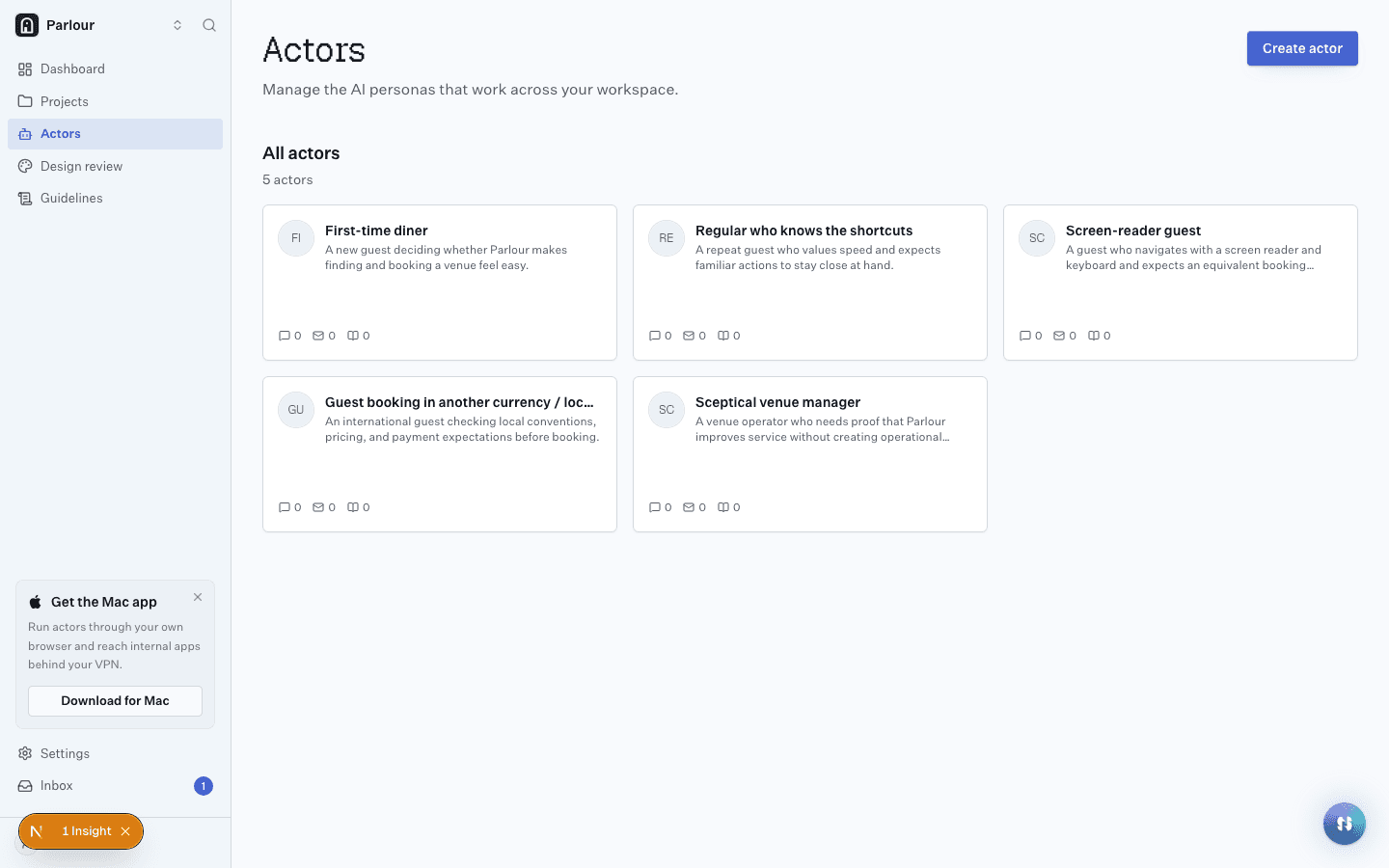
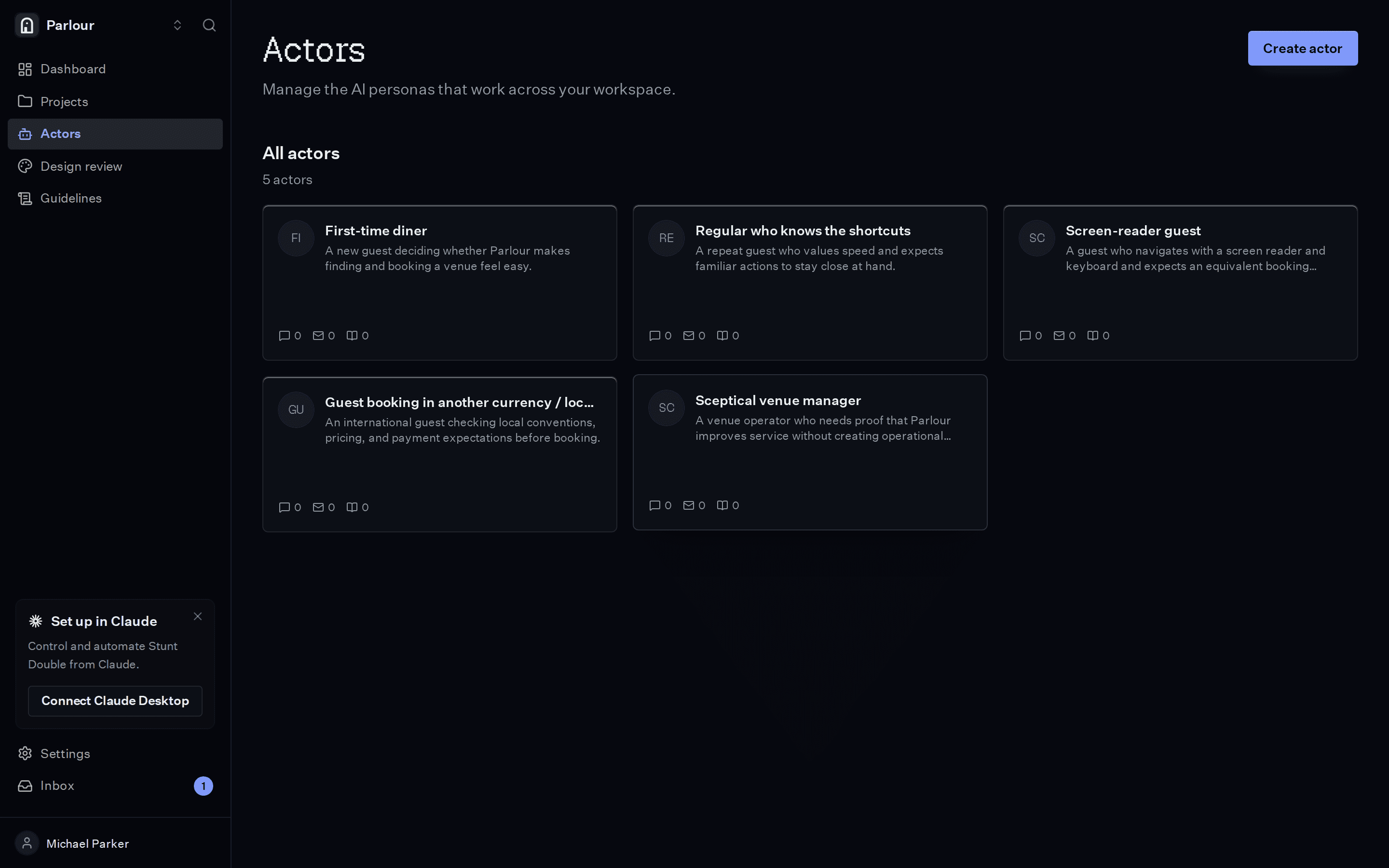
A cast of actors, each a different customer. - 02
Write the funnel as requirements
One check per thing a customer has to get past, in plain language. Start from the checkout template in the checklist library if you like.
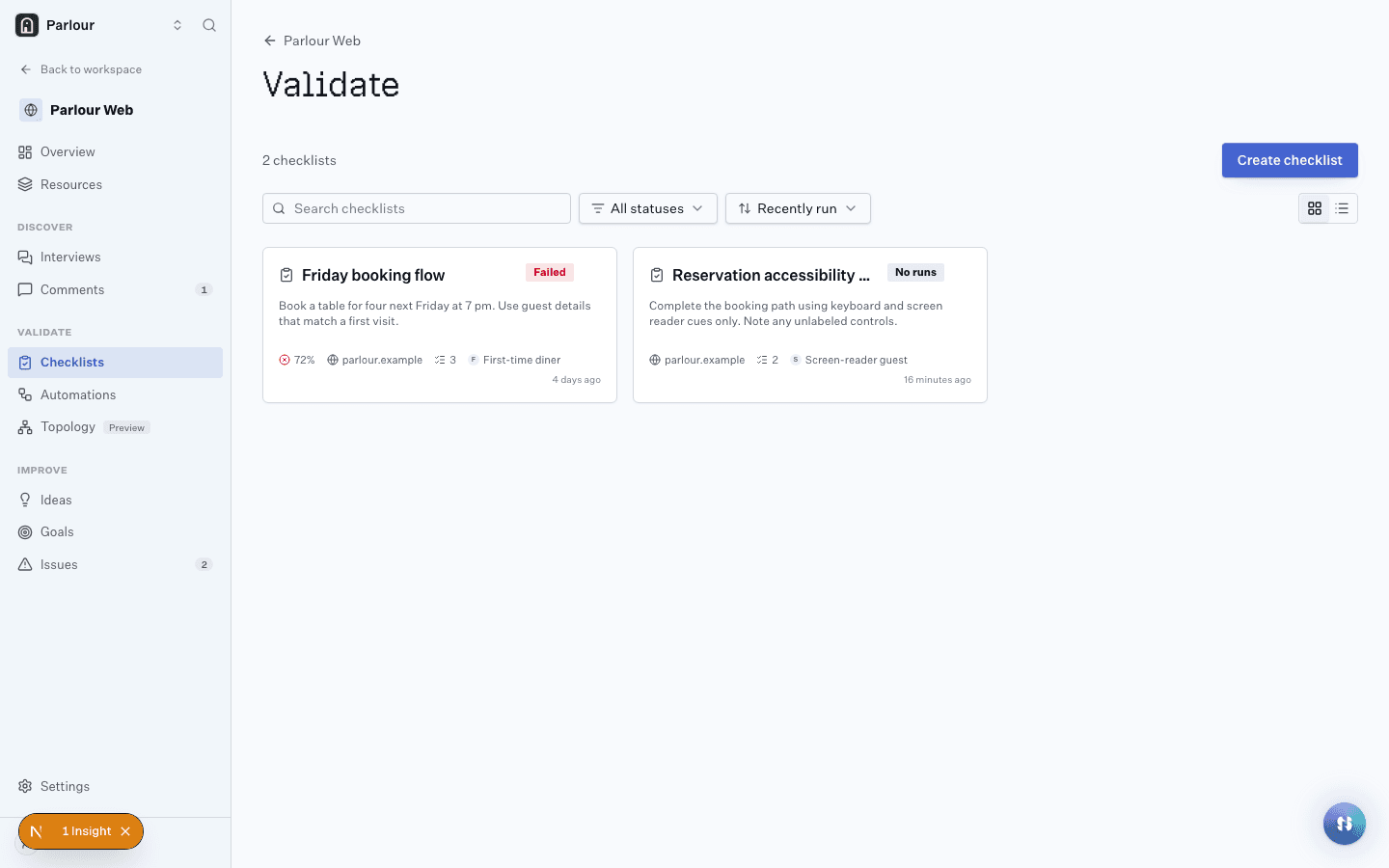
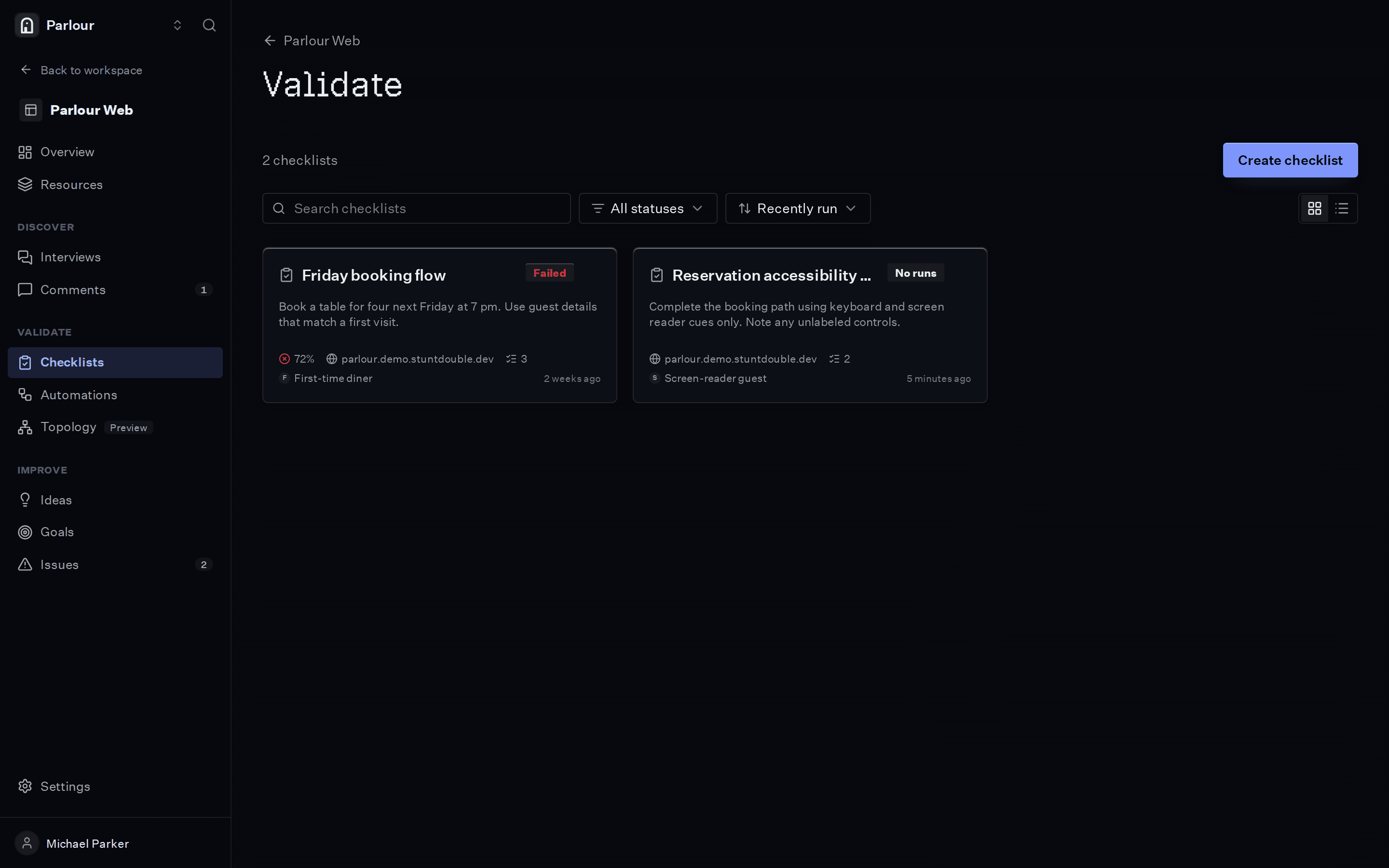
Checklists, each with the result of its last run. - 03
Fix, then run it again
Run the same checklist after the change and compare the two runs, so you can tell a real fix from a hopeful one.
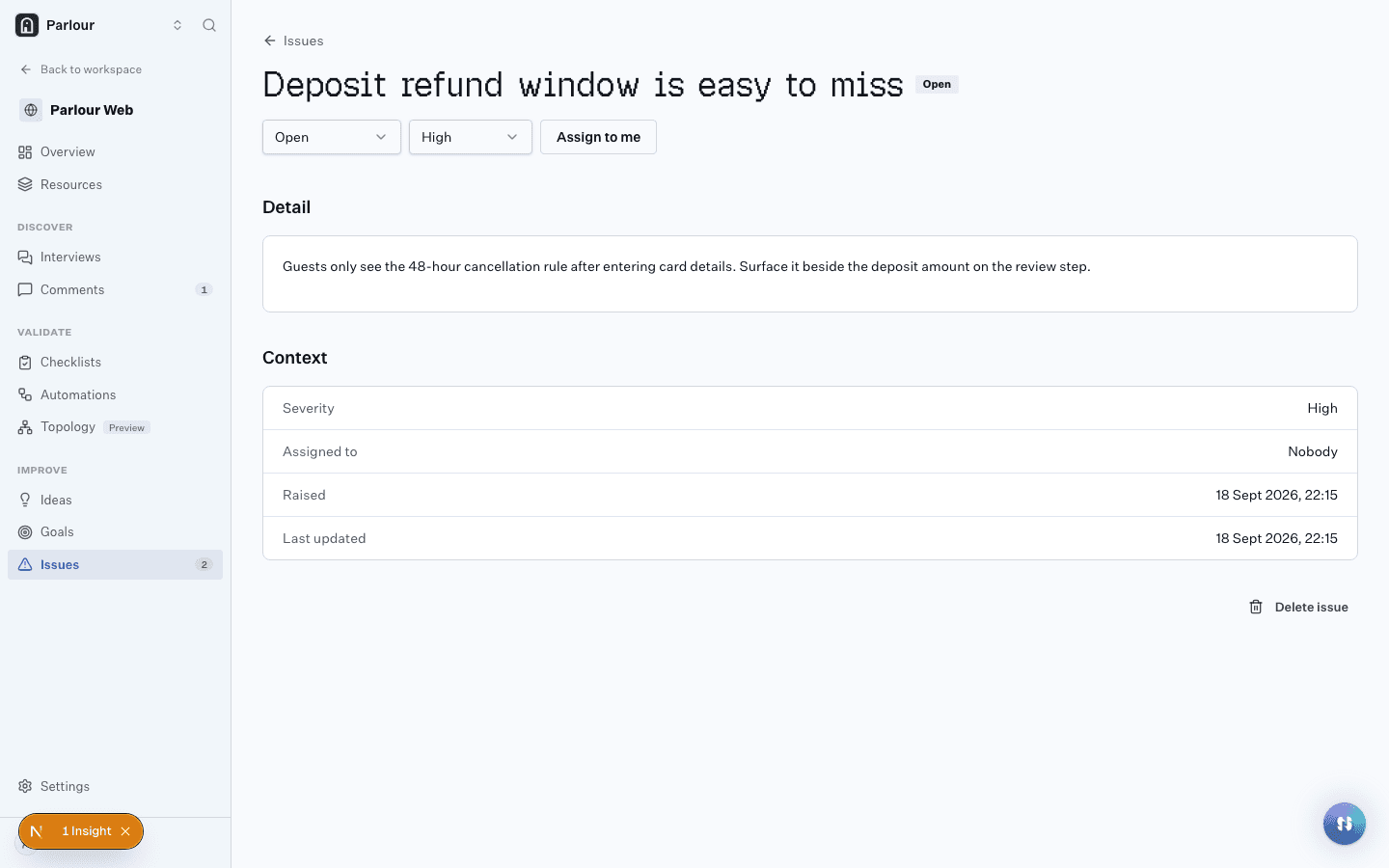
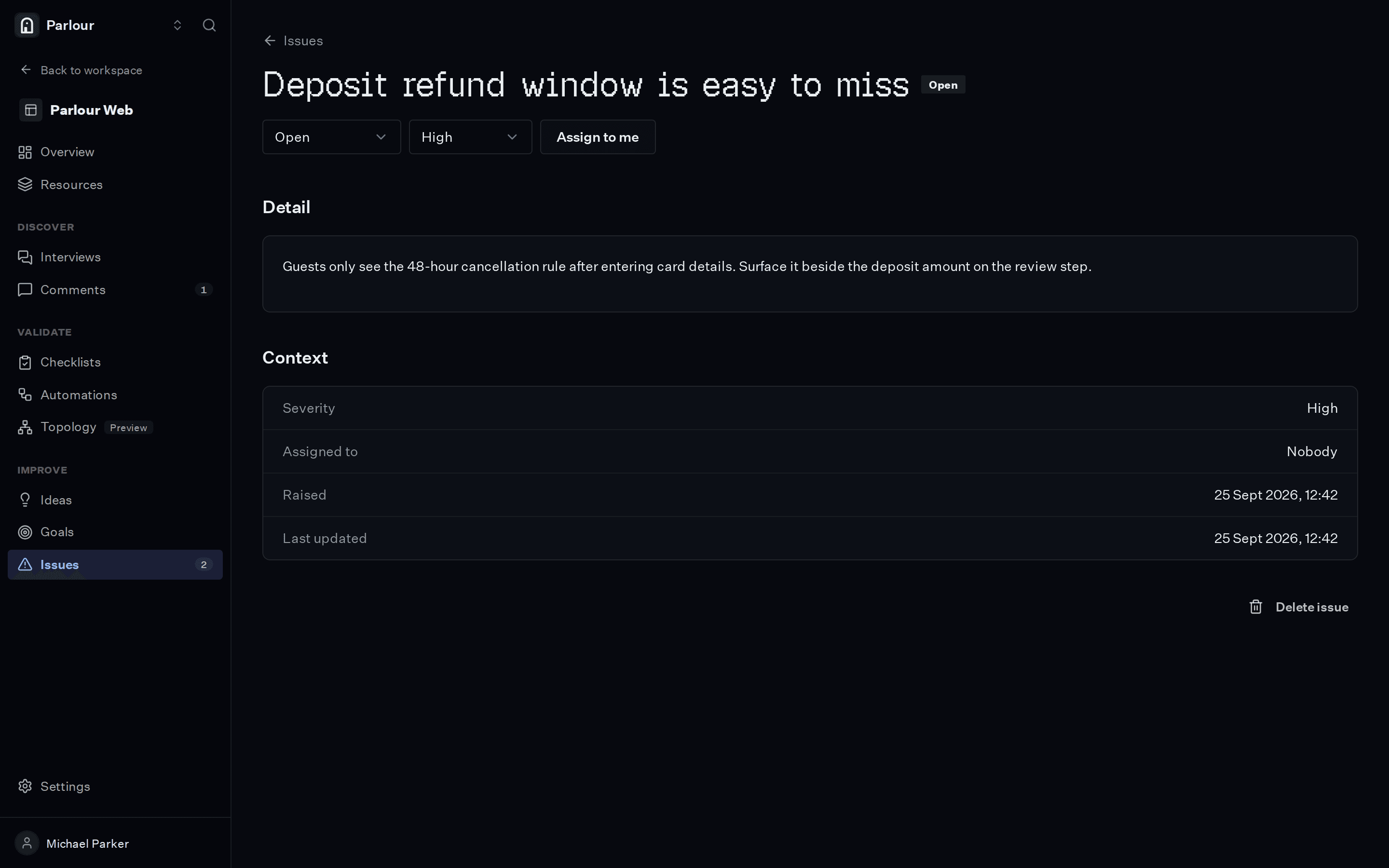
A failed check, raised as an issue with its evidence.
The requirements you would write
Plain language, one per line. An actor checks each one in a real browser.
- 01Shipping costs are visible before the payment step
- 02A valid discount code is accepted and the total updates
- 03A visitor in Germany sees prices in euros
- 04The pay button shows progress and cannot be pressed twice
- 05Guest checkout does not force the customer to create an account
What comes back
- 01
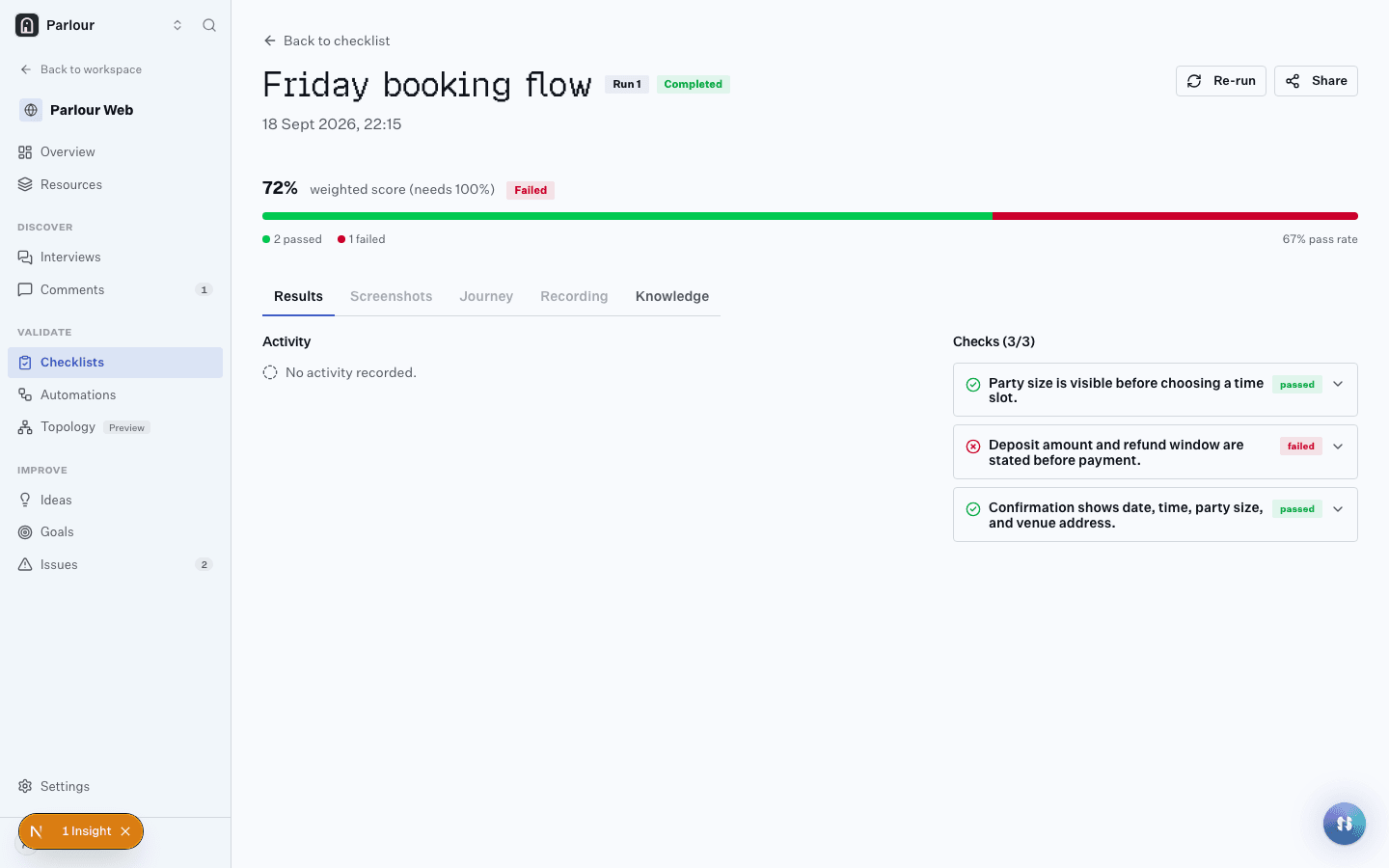
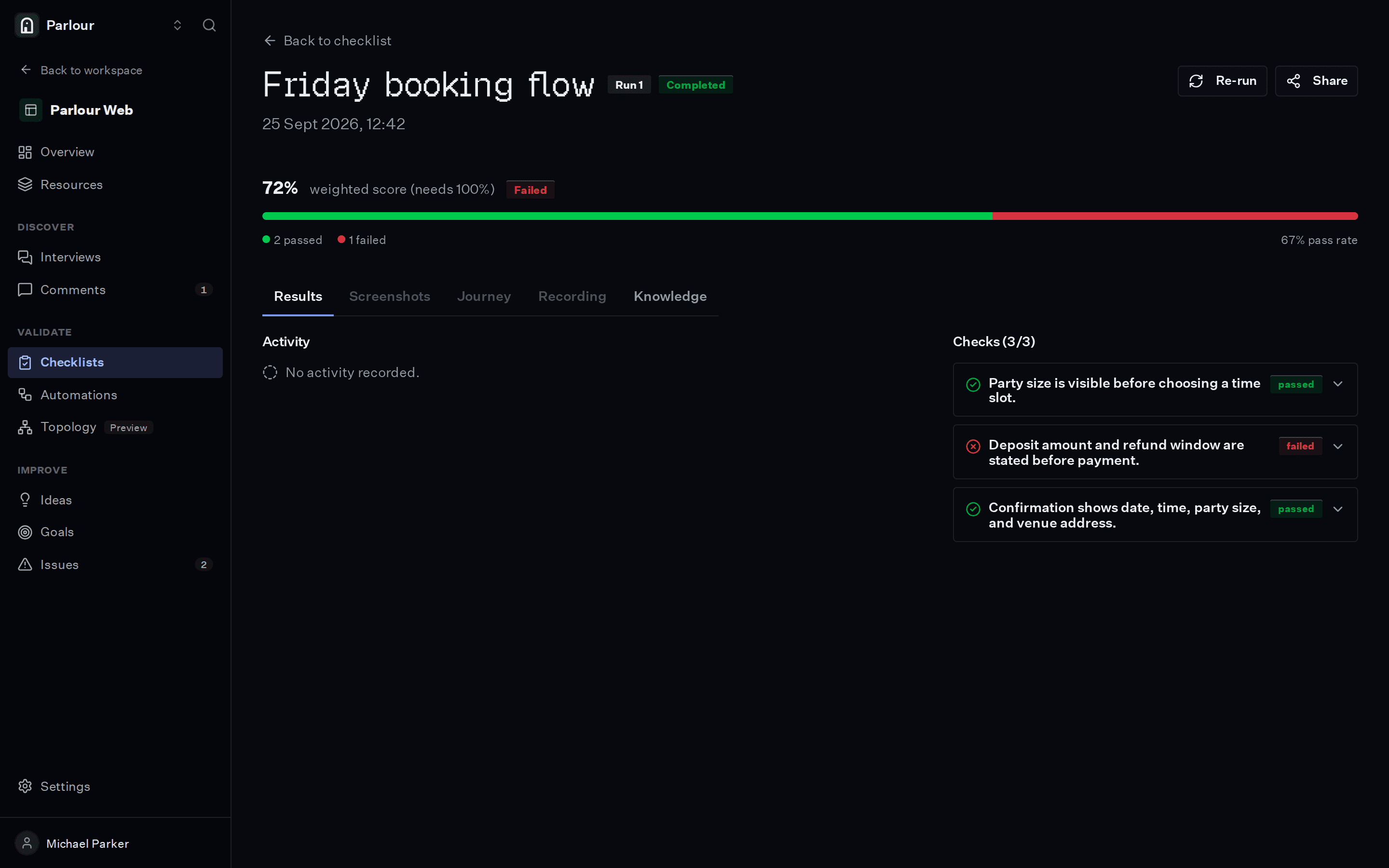
Each check passed or failed, with the screenshot and the reasoning behind it
- 02
A recording of the whole session, step by step
- 03
Insights for anything a check did not ask about
Where it stops
Actors show you why a step fails and what to change. Whether the change lifts conversion for real customers is a question for an experiment on real traffic.
Questions people ask
Is this an A/B test?
No. An A/B test measures which version wins once you have two versions and the traffic to separate them. This comes before that: it tells you what to change, so the variant you build is worth testing.
Does the actor make real purchases?
Point it at staging or a test-mode checkout and give the actor the test details it needs in its knowledge, the same way you would brief a tester.
Can I check local pricing?
Yes. Pick a city and the actor browses through a residential proxy there, so geo-gated content and local prices are checked from where your customers are.
Keep reading
Related terms
Try it on your own site
Give an actor your URL. It opens a real browser, works through the site, and shows you every step it took.
Free to try, no sign-up needed.