Test staging and internal tools behind your firewall
The product that matters most is often on a private URL: staging, an admin panel, an intranet. A hosted browser cannot reach it. A worker runs the browser on your side of the firewall and dials out, so actors test private URLs with no inbound firewall changes.
- 01Stunt Double
- 02A worker on your network
- 03Staging
- 04Admin panel
- 05Intranet
How it works
Captures on this page are from a workspace testing Parlour, a demo app simulating a restaurant booking flow.
- 01
Choose where the browser runs
The Mac app turns your own Mac into a worker on every plan. On Enterprise, run a worker as a Docker container or with the CLI.
- Worker on your Mac or server
- Out through your firewall
- Stunt Double
The worker dials out to Stunt Double, so nothing opens inbound. - 02
Set what it can reach
A domain allowlist sets which hosts the worker can open, so an actor stays on the systems you meant it to test.
- Worker
- Domain allowlist
- staging.yourcompany.com
The allowlist sets which hosts the worker can open. - 03
Run checklists as usual
Actors, checklists and interviews work the same way. The only difference is where the browser sits.
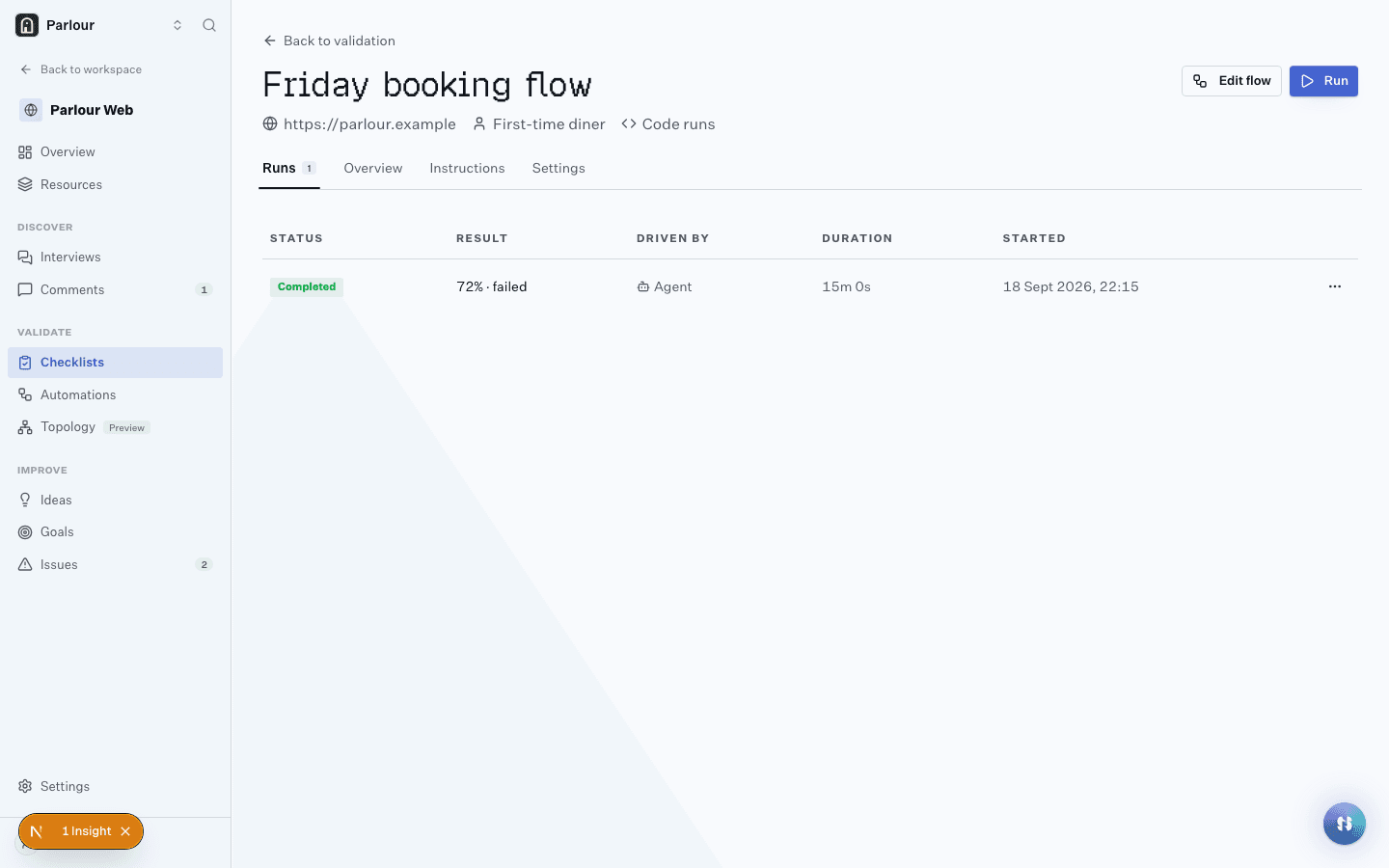
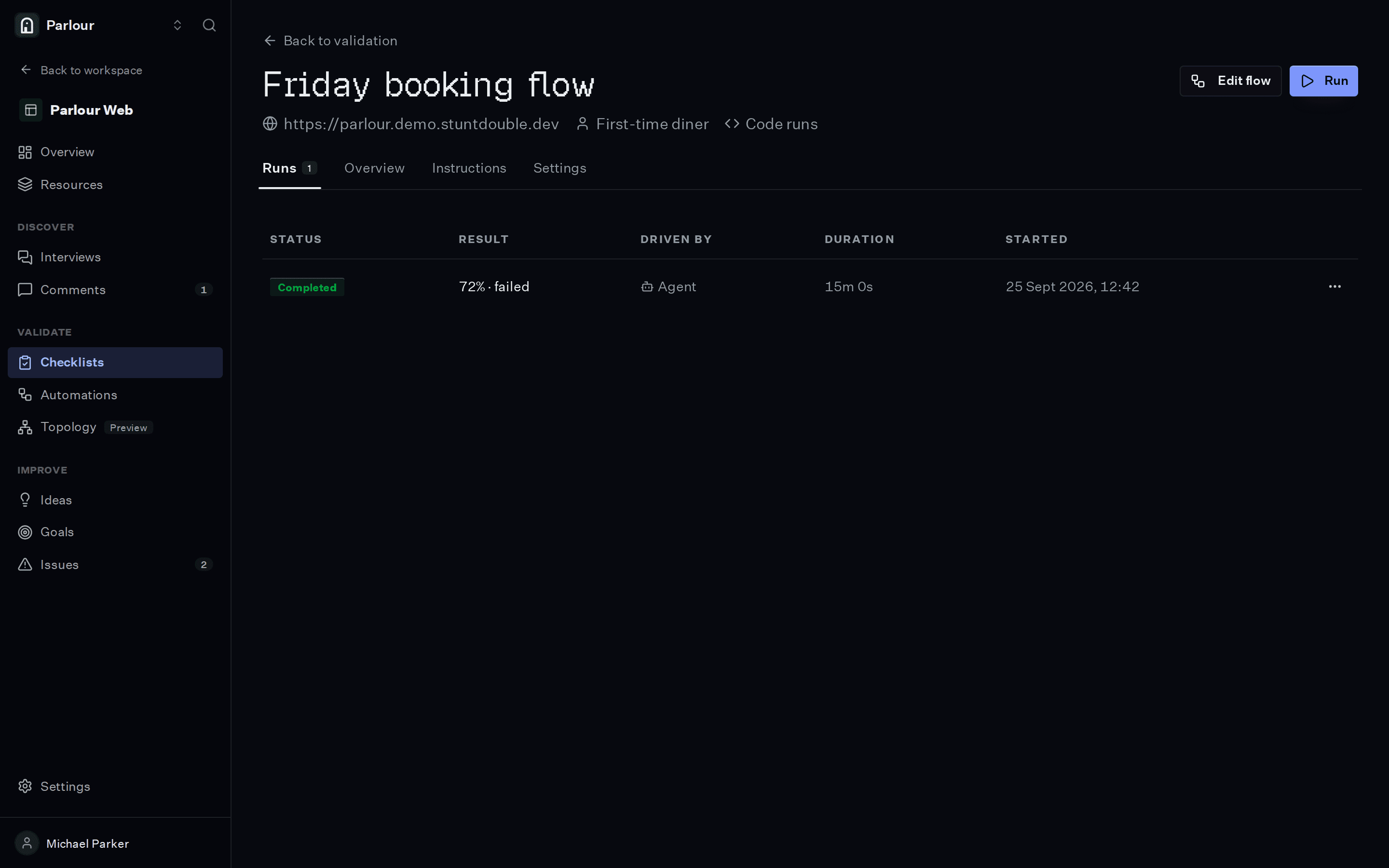
A checklist and its run history, one row per run.
The requirements you would write
Plain language, one per line. An actor checks each one in a real browser.
- 01A support agent can find a customer by email address
- 02An export from the admin panel produces a file
- 03A new starter can find the leave policy on the intranet
- 04Staging sign-in works with the test account
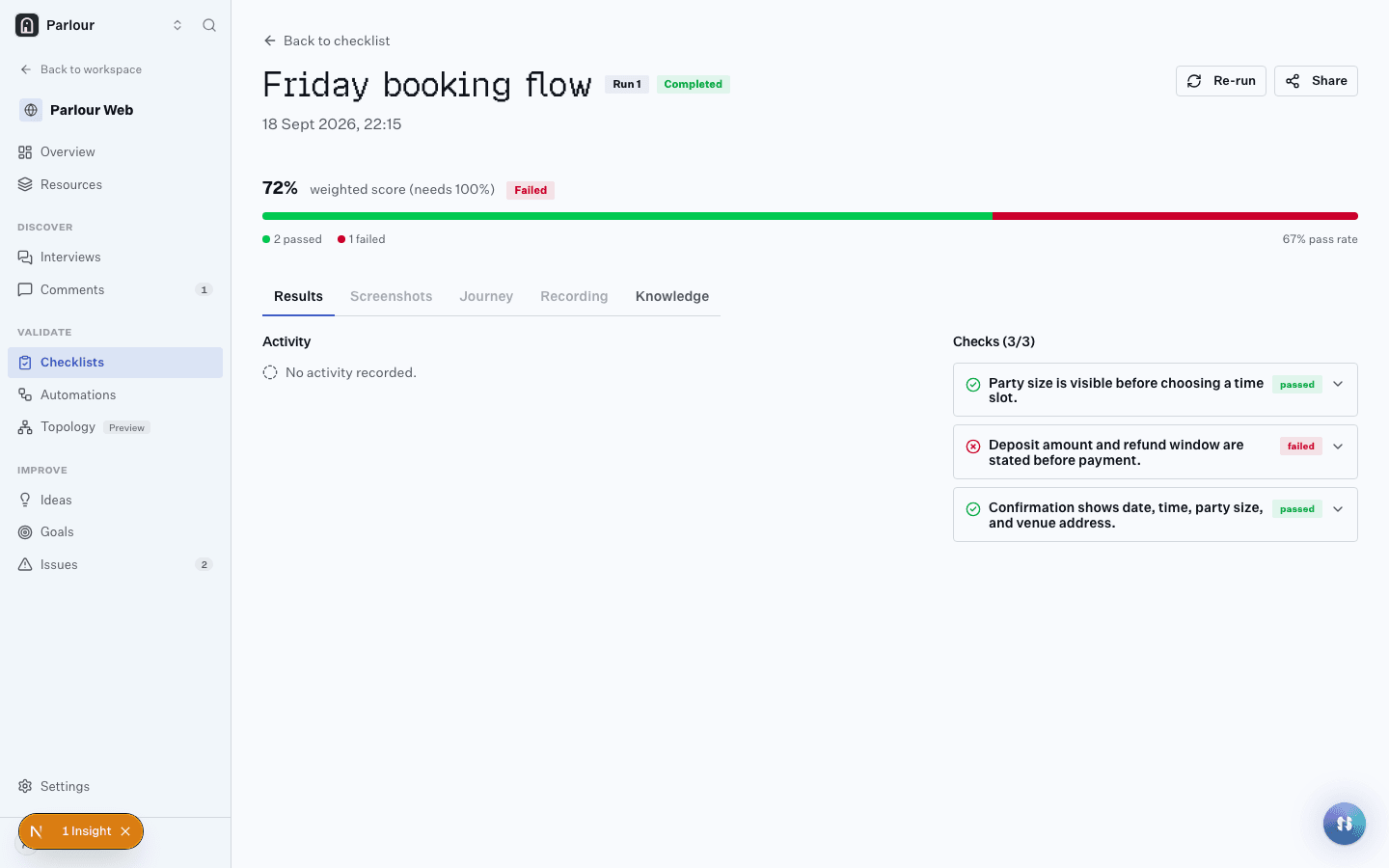
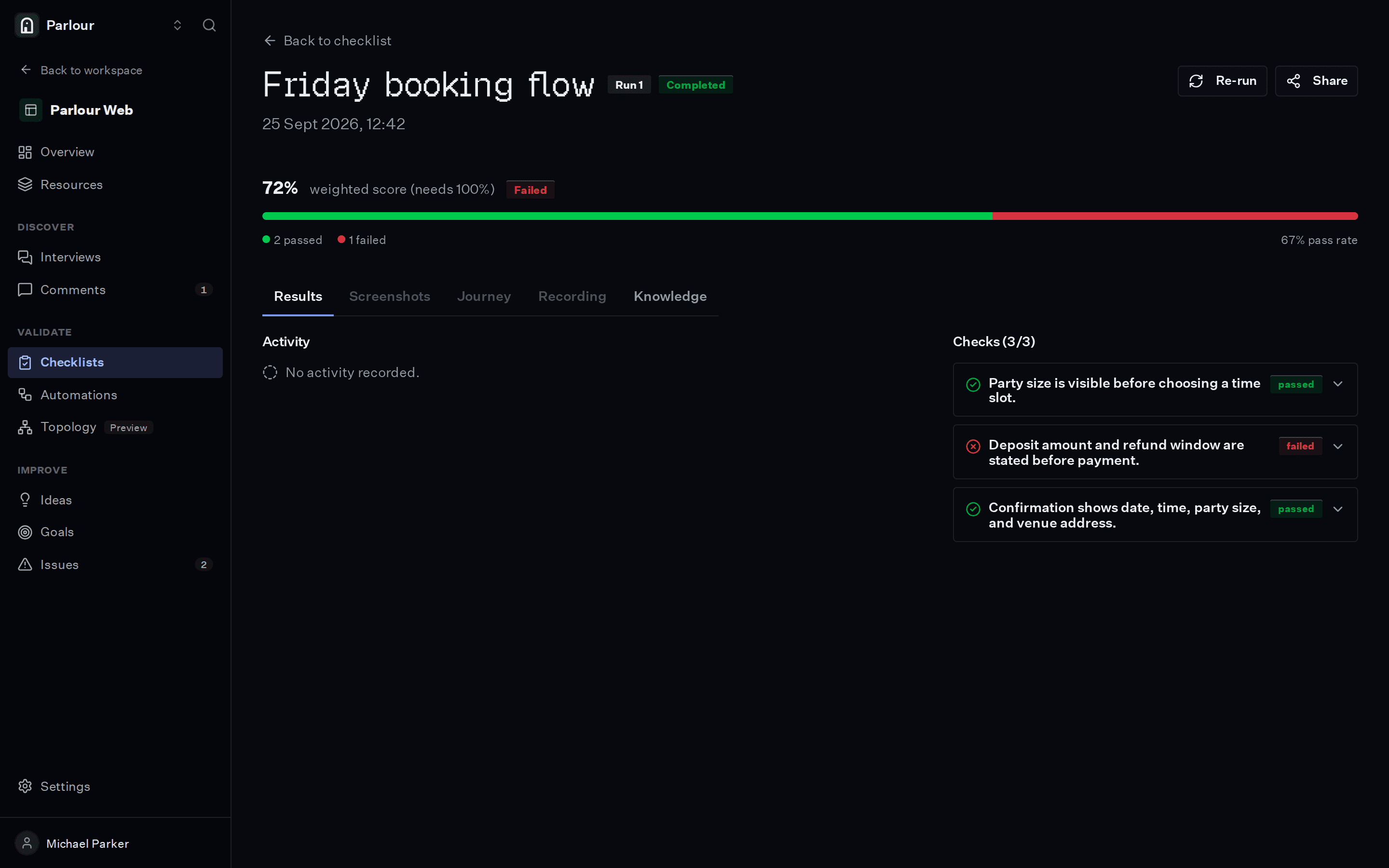
What comes back
- 01
Each check passed or failed, with the screenshot and the reasoning behind it
- 02
A recording of the whole session, step by step
- 03
Insights for anything a check did not ask about
Where it stops
A worker reaches only what its network and its allowlist let it reach, so a flow that crosses into a system it cannot see stops there.
Questions people ask
Do I need to open firewall ports?
No. The worker dials out to Stunt Double, so there are no inbound firewall changes.
Which plans include workers?
The Mac app works as a worker on every plan. Docker and dedicated workers are part of Enterprise.
Keep reading
Related terms
Try it on your own site
Give an actor your URL. It opens a real browser, works through the site, and shows you every step it took.
Free to try, no sign-up needed.