Hold every release to your design system, brand and rules
The design system review happens once, at handoff. Then a hotfix ships a second button style, a campaign page says "users" where the voice guide says "you", and the German checkout shows a price in dollars. Give actors the rules once and put them in an automation. They read the rendered product the way a customer does, on each deploy, and each finding quotes the page it came from.
- 01Your guidelines
- 02Plain-language checks
- 03Every deploy
- 04Findings with evidence
What you get
Captures on this page are from a workspace testing Parlour, a demo app simulating a restaurant booking flow.
- 01
Enforce the design system on the product you shipped
Import the rules from a web page, a published Storybook or a GitHub repository and attach them to the project. Actors check them visually on the rendered page, so a stray component or an off-brand color shows up on the page however it was built, and a Figma library publish can start the audit on its own.
Enforce a standard (opens in new tab)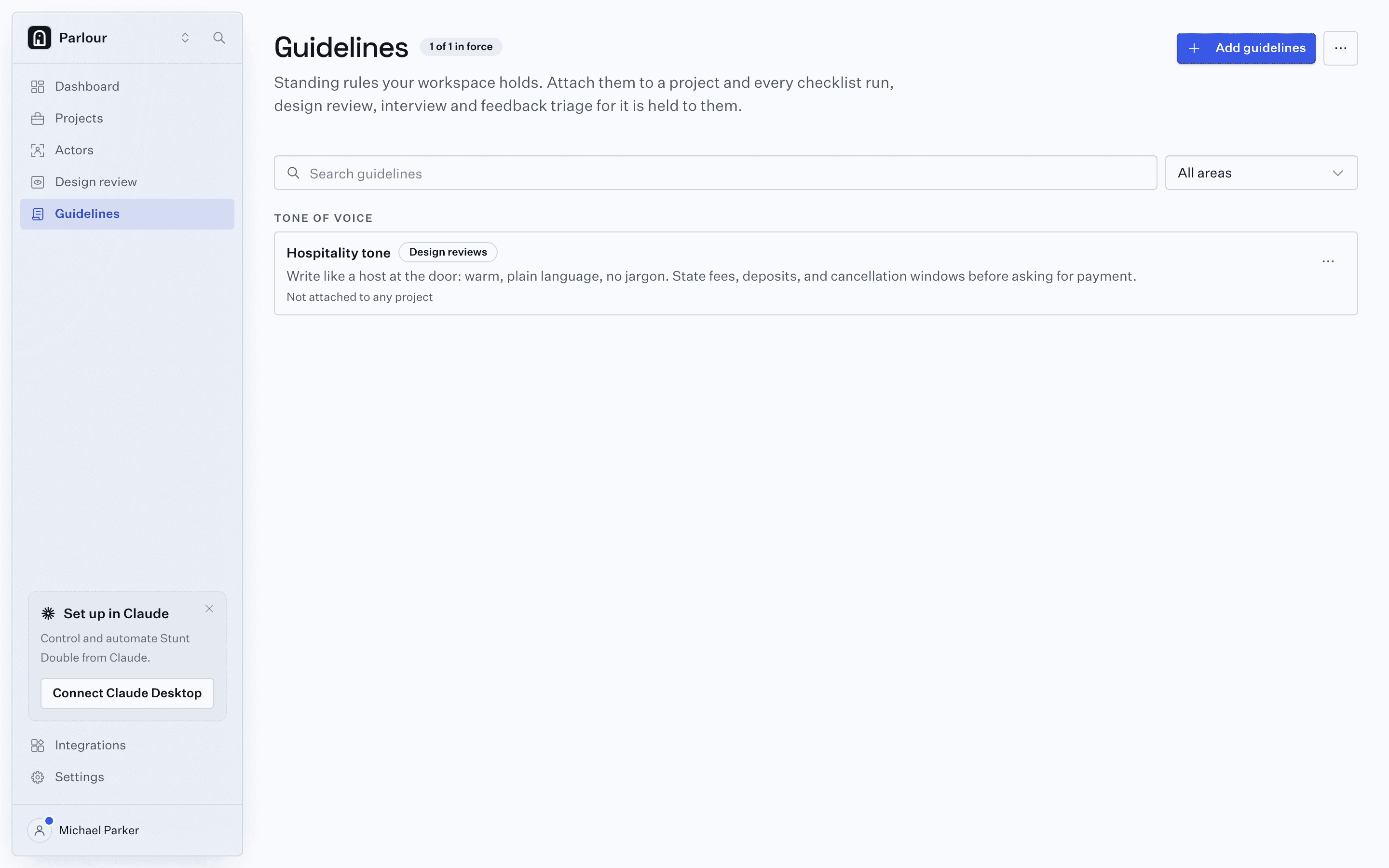
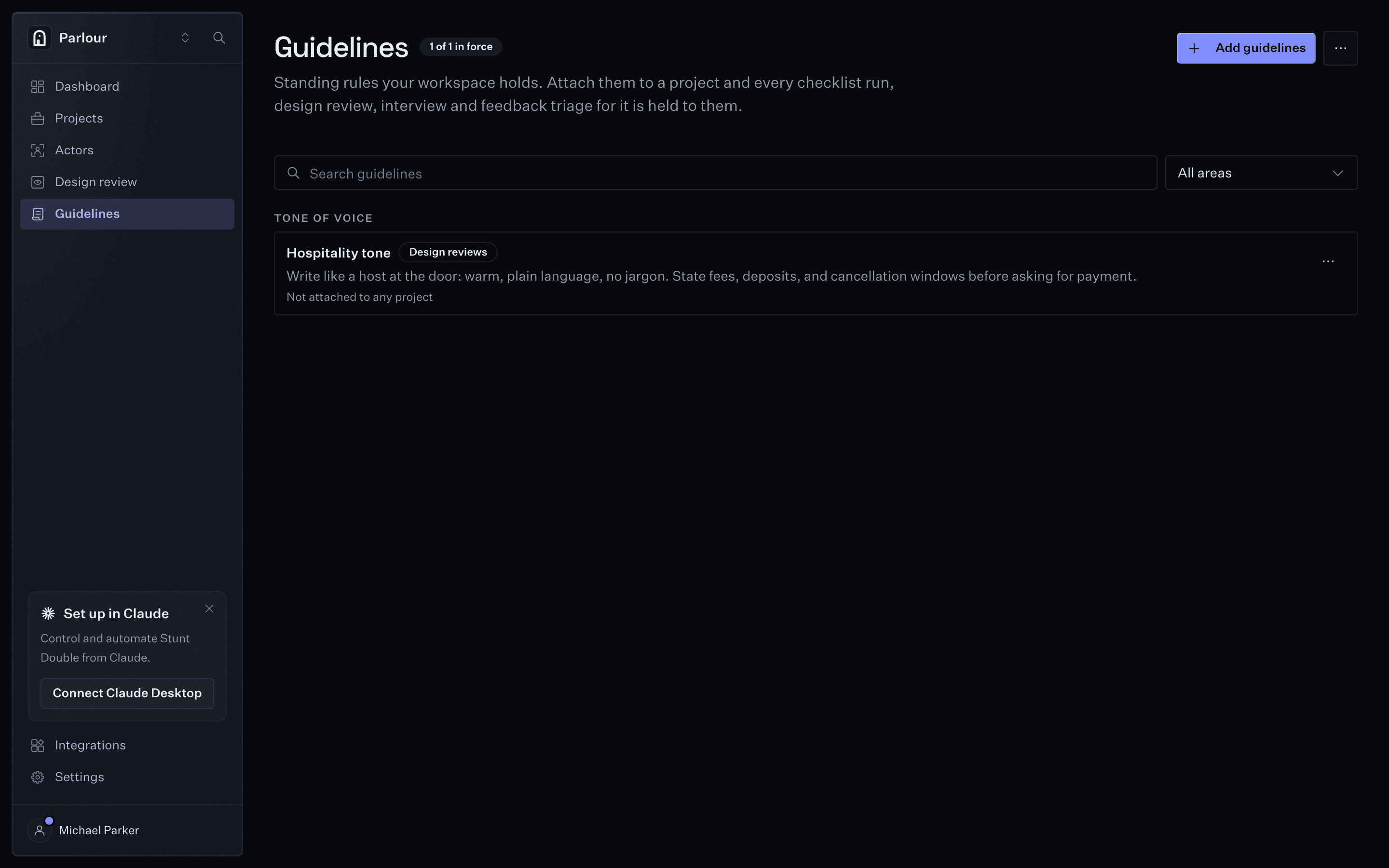
Guidelines: the rules every review cites. - 02
Review every page against your brand and tone of voice
Store the voice rules on a reviewer actor and it reads the site as a customer would. Findings come back grouped by page, with the offending copy quoted and a rewrite in your voice. A rebrand is one knowledge update, and the next run enforces it everywhere.
Brand compliance- Voice rules
- Reviewer actor
- Copy quoted, rewrite suggested
Brand review on every page - 03
Check each market from where its users are
Pick a city and the actor browses through a residential proxy there, on a phone, tablet or desktop viewport. Local pricing, currency and geo-gated content get checked from the market they serve, rather than from the office.
Meet the cast- Actor in Berlin
- Pricing page
- Checkout in euros
A market, checked from the market - 04
Give legal and compliance a reviewer that does not need a meeting
Every release waits on someone in legal, compliance or accessibility to read it. Write their perspective into an actor: the disclosures that must appear, the consent that must work. It checks behavior, not only presence, and each finding carries the exact page content, so the people who sign off review evidence instead of clicking through the build.
Write a checklist (opens in new tab)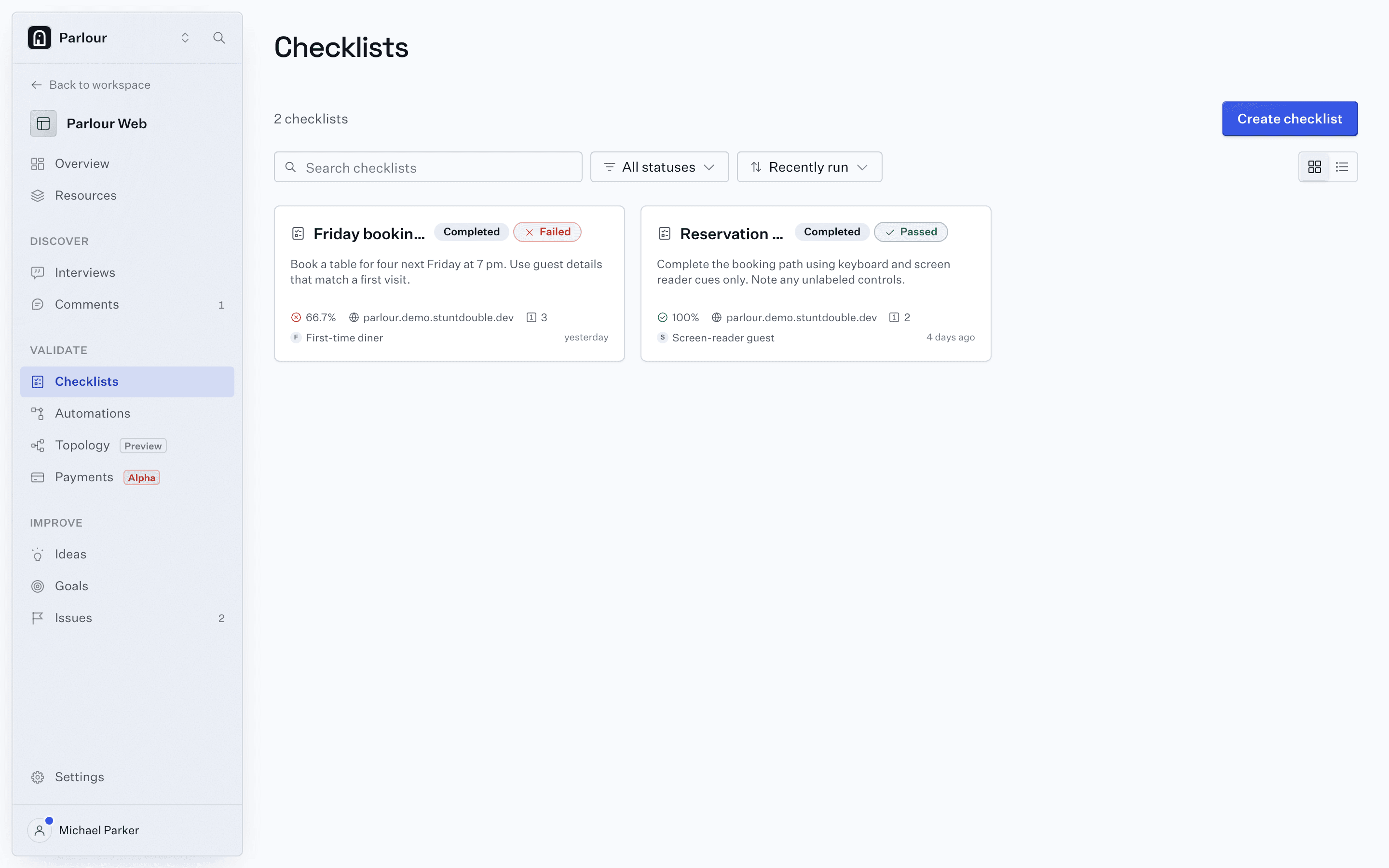
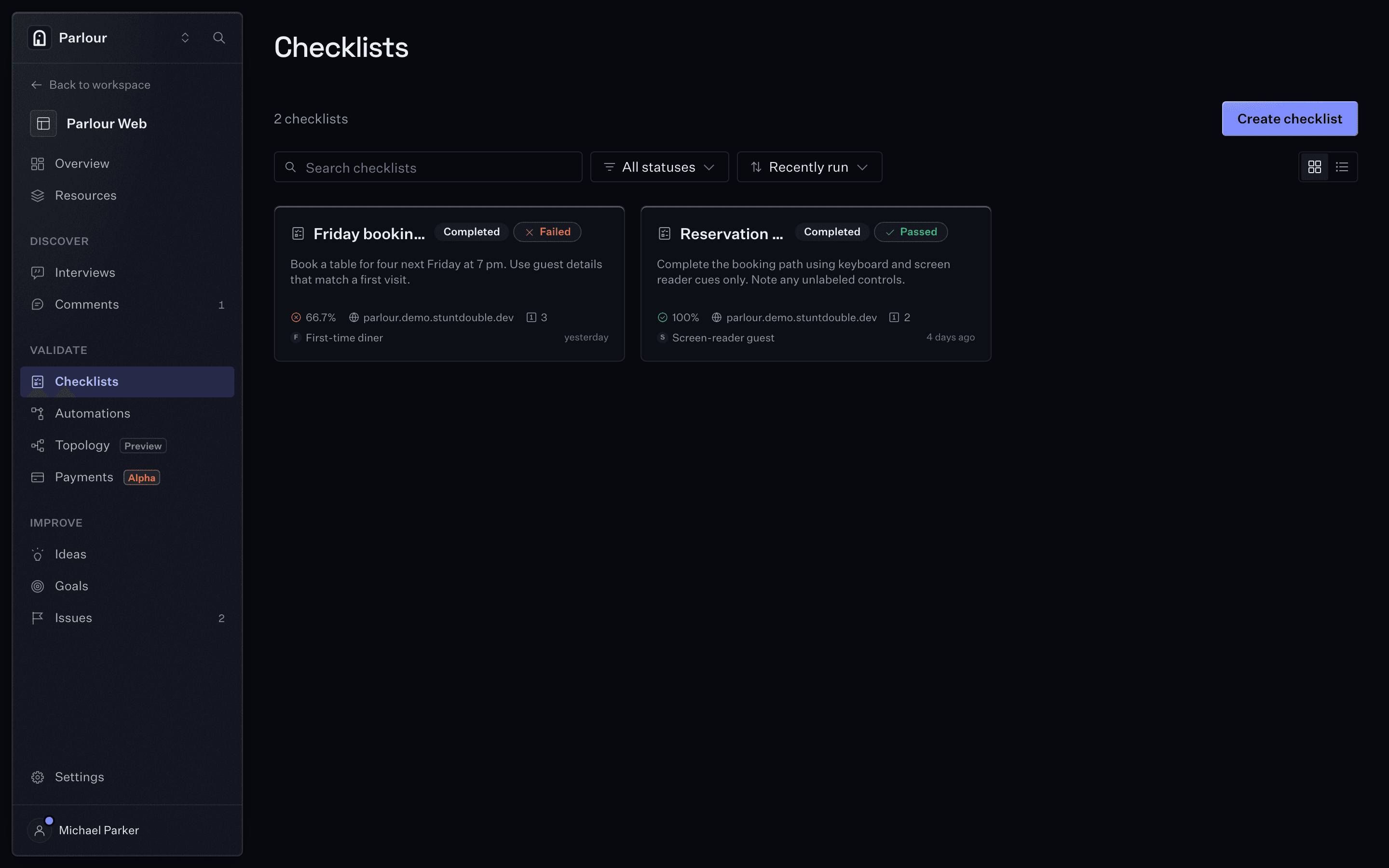
Checklists, each with the result of its last run. - 05
Read human and actor feedback in one queue
Failed checks, design review notes, insights from actors and comments pinned by real visitors through the feedback widget all land on the Issues tab, each linked to its evidence. Summarize the open comments into themes and an implementation brief, and push what matters to Linear.
Install the feedback widget (opens in new tab)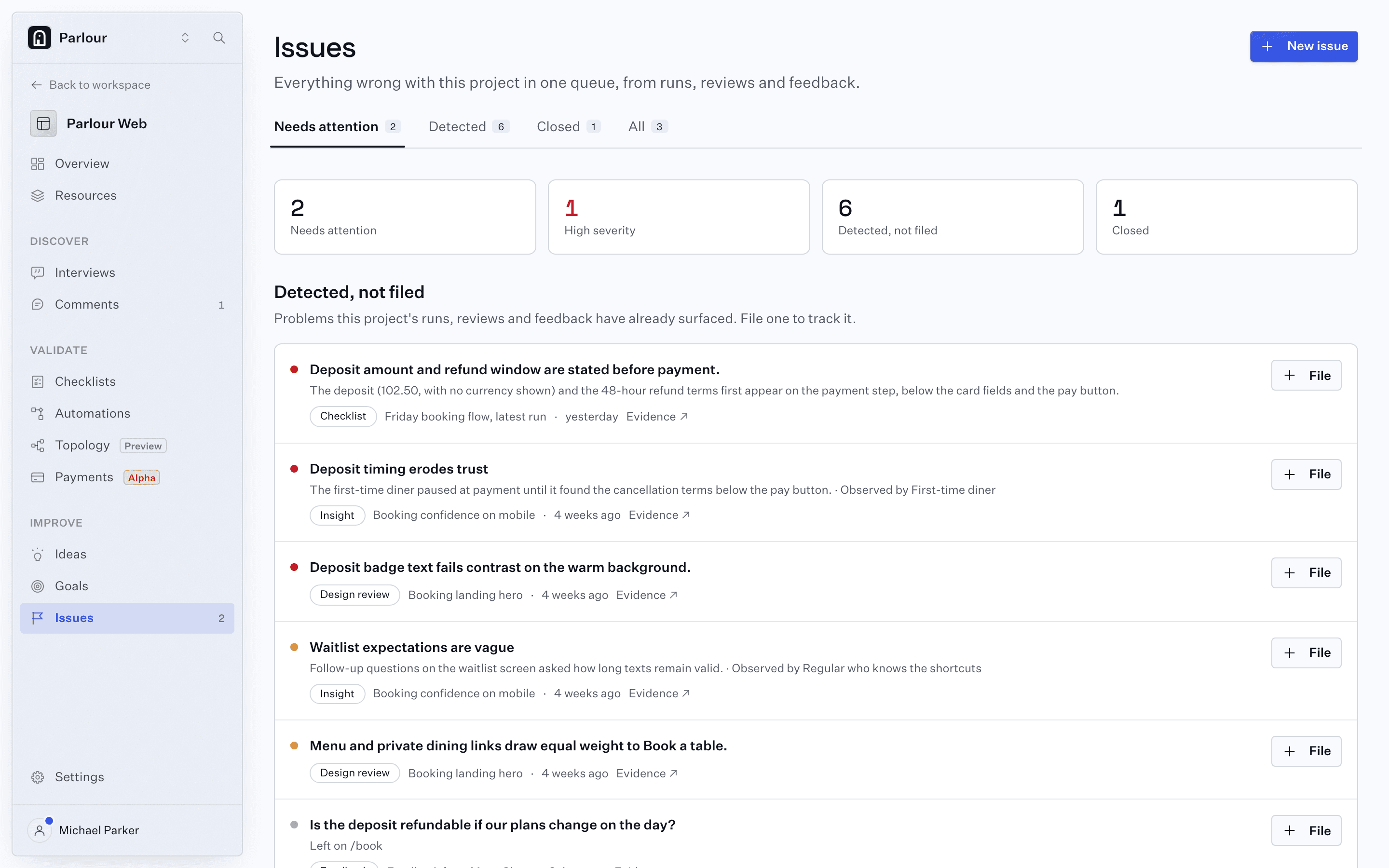
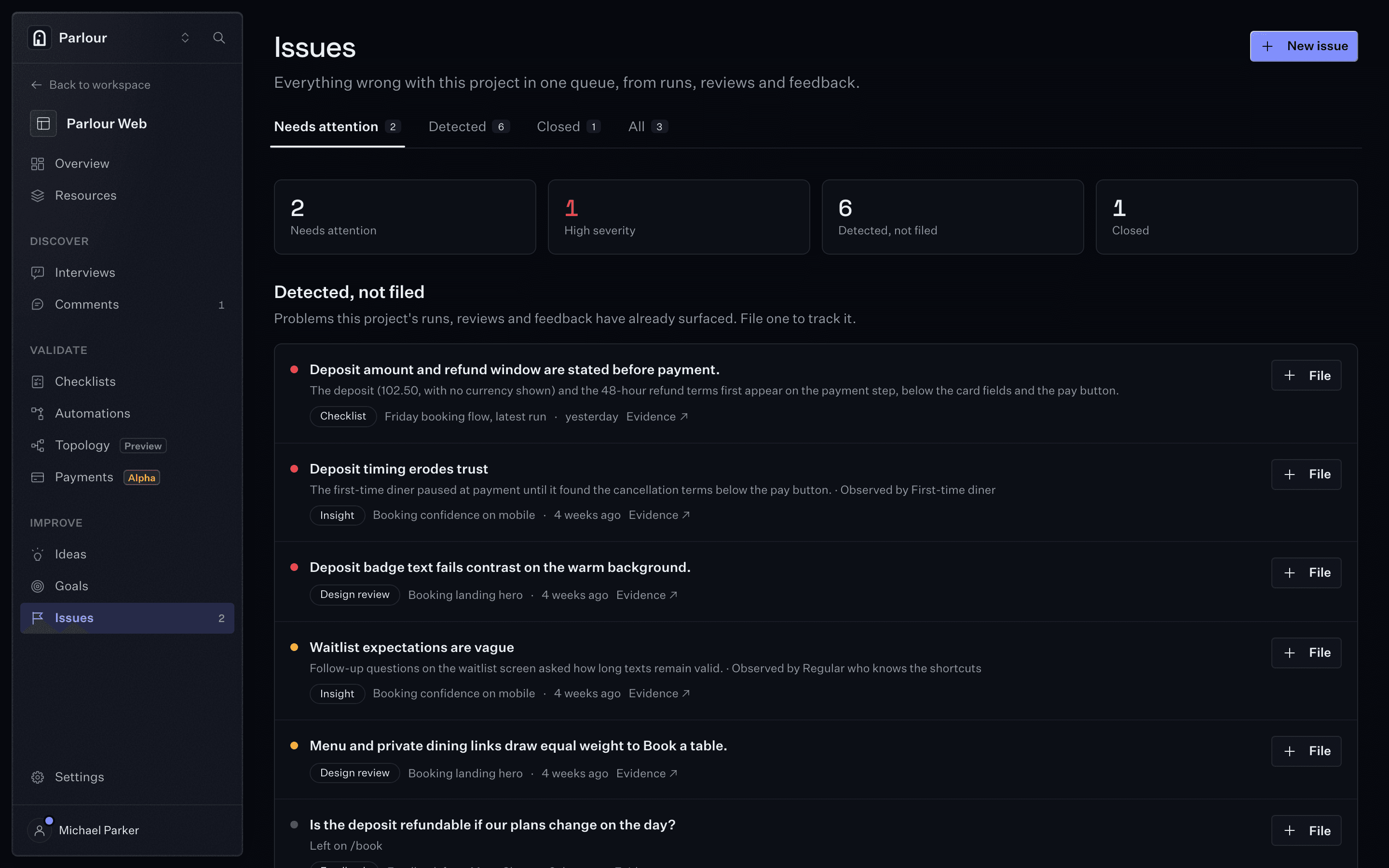
One queue: runs, insights, design reviews and visitor comments. - 06
Know what changed, and whether it helped
Every run stays in the checklist's history, one row per run, and the check that failed last week reads as passed this week. Topology maps every screen and shows what each release added, changed or removed, so an improvement is something the team can point at.
See the map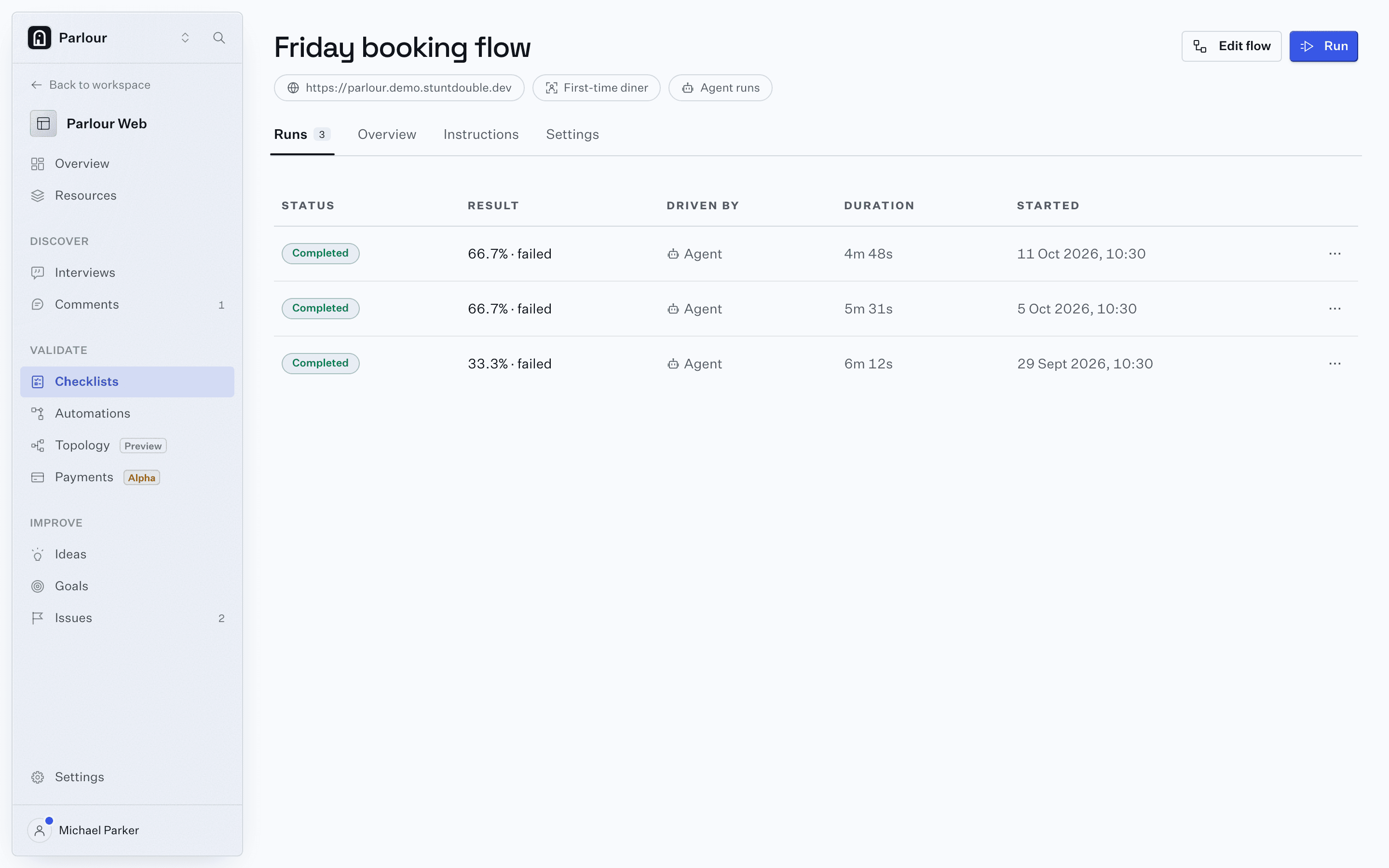
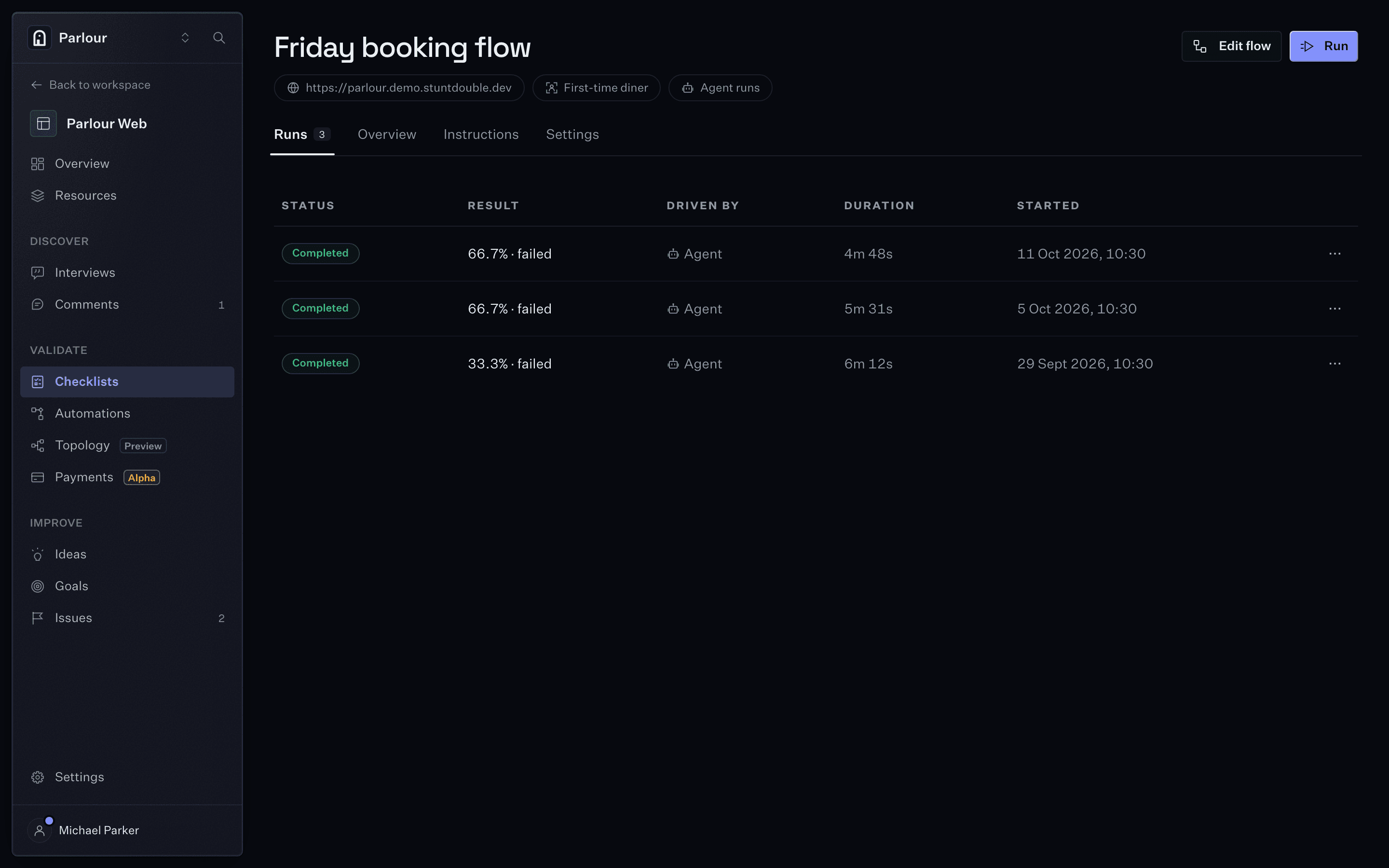
A checklist and its run history, one row per run.
Where it stops
An actor checks the page against the rules you gave it. It does not decide which regulations apply, and its findings are evidence for the person who signs off, not a legal opinion.
FAQs
Where do the rules come from?
From you. Add guidelines to the workspace, import them from a web page, a published Storybook or a GitHub repository, or store them as knowledge on a reviewer actor. Findings cite the guideline they apply.
Does it read our code or the rendered page?
The rendered page, in a real browser, the way a customer sees it. A check is phrased visually ("primary buttons use sentence case"), so it holds however the page was built.
What starts an automation?
You, by hand, or a schedule, a webhook, or a GitHub, Vercel, Linear, Slack or Figma event. It can chain checklists, conditions, delays and notifications, and post the outcome to the pull request or Slack.
Keep reading
Go further
More use cases
- Check every page against your brand and design system
- Check every pull request in a real browser
- Find the step where your checkout loses people
- Test staging and internal tools behind your firewall
- Find the broad themes before you book a single interview
- Make your product work for the agents your customers send
- All use cases
Try it on your own site
Give an actor your URL. It opens a real browser, works through the site, and shows you every step it took.